The Invisible Architecture of the Smart Home
When most people think of a smart home, they picture the end results: lights that turn on at sunset, thermostats that learn their schedules, or doorbells that send video feeds to their phones. However, the true magic of a smart home doesn't lie in the apps or the physical devices themselves. It lies in the invisible web of communication that connects them. This underlying architecture is defined by smart home protocols—the specific languages and radio frequencies your devices use to talk to each other, to your router, and to the cloud.
Choosing the right protocol is arguably the most critical decision you will make when building a smart home. Pick the wrong one, and you'll end up with a sluggish network, dropped connections, and a router that crashes under the weight of too many IP addresses. Pick the right combination, and your home will operate with localized, instantaneous reliability, even if your internet connection goes down.
In this deep explainer, we will dissect the foundational protocols of the smart home industry: Wi-Fi, Zigbee, Z-Wave, Thread, and the unifying application layer known as Matter. By the end of this guide, you will understand exactly how to mix and match these technologies to build a robust, future-proof ecosystem.
What Exactly is a Smart Home Protocol?
In the realm of the Internet of Things (IoT), a protocol is a set of rules that dictates how data is formatted, transmitted, and received. Because smart home devices range from high-definition security cameras to tiny, battery-powered window sensors, a single 'one-size-fits-all' language doesn't exist. A security camera requires massive bandwidth to stream 4K video, while a door sensor only needs to send a few bytes of data ('Door Open' or 'Door Closed') once a day.
To accommodate these varying needs, the industry has developed several specialized wireless protocols. They generally fall into two categories:
- High-Bandwidth / High-Power: Designed for devices plugged into wall outlets that need to move large amounts of data (e.g., Wi-Fi).
- Low-Bandwidth / Low-Power: Designed for battery-operated sensors and switches that need to run for months or years on a single coin cell battery (e.g., Zigbee, Z-Wave, Thread).
Wi-Fi: The High-Bandwidth Heavy Lifter
Wi-Fi is the most ubiquitous wireless protocol in the world. Operating primarily on the 2.4 GHz and 5 GHz bands, it offers massive bandwidth and direct connectivity to your home router without the need for a secondary hub. For devices like smart TVs, security cameras (like the Ring Stick Up Cam or Google Nest Cam), and smart displays, Wi-Fi is the undisputed king.
The Pros and Cons of Wi-Fi in Smart Homes
The primary advantage of Wi-Fi is convenience. You don't need to buy a separate hub; your existing router acts as the gateway to the cloud. Brands like TP-Link (Kasa/Tapo), Wyze, and LIFX rely heavily on Wi-Fi for their smart plugs and bulbs.
However, Wi-Fi has severe limitations when scaled across an entire smart home:
- Network Congestion: Most consumer routers struggle to handle more than 30 to 50 concurrent IoT connections. If you have 40 smart bulbs and 10 sensors on Wi-Fi, your router's DHCP table will overflow, leading to dropped devices and slow internet for your laptops and phones.
- Power Consumption: Wi-Fi radios are power-hungry. You will rarely find a battery-powered Wi-Fi door sensor because the battery would drain in a matter of weeks.
- Cloud Dependency: Most Wi-Fi smart home devices rely on cloud polling. If your internet goes down, your smart switches often become dumb switches.
Zigbee: The Mesh Network Veteran
Zigbee is a low-power, low-bandwidth wireless mesh network standard based on the IEEE 802.15.4 specification. Operating on the 2.4 GHz band, Zigbee was designed specifically for home automation and industrial control. Unlike Wi-Fi, where every device must connect directly to the central router, Zigbee utilizes a mesh topology.
In a Zigbee mesh, every mains-powered device (like a smart plug or a hardwired light switch) acts as a 'router' or 'repeater'. It catches the signal from a distant battery-powered sensor and passes it along to the next device until it reaches the central Zigbee hub. This means the more Zigbee devices you add, the stronger and more expansive your network becomes.
Real-World Zigbee Implementation
The most famous implementation of Zigbee is the Philips Hue ecosystem. While Hue uses a proprietary flavor of Zigbee, it remains incredibly stable. Other brands like Aqara, Sonoff, and Sengled use standard Zigbee 3.0. A typical Zigbee door sensor (like the Aqara Door and Window Sensor) costs between $15 and $25 and can run for up to two years on a single CR2032 battery.
Note: Because Zigbee shares the 2.4 GHz spectrum with Wi-Fi, poor channel management can cause interference. It is highly recommended to set your Zigbee hub to Channel 15 or 20, and your Wi-Fi router to Channel 1 or 6 to avoid overlap.
Z-Wave: The Sub-GHz Specialist
Z-Wave is a proprietary, low-power mesh protocol that operates on the sub-GHz frequency band (specifically 908.42 MHz in North America and 868.42 MHz in Europe). Because it operates on a completely different frequency than Wi-Fi and Bluetooth, Z-Wave is entirely immune to 2.4 GHz interference. This makes it incredibly reliable for passing signals through thick walls, floors, and ceilings.
According to the Z-Wave Alliance, the protocol mandates strict backward compatibility and rigorous certification testing. This means a Z-Wave switch manufactured in 2015 will seamlessly integrate with a Z-Wave hub manufactured in 2023. Brands like Aeotec, Zooz, and Ring (for their alarm systems) rely heavily on Z-Wave for its rock-solid reliability in security and lighting applications.
The main drawback of Z-Wave is cost. Licensing fees and stricter hardware requirements mean Z-Wave devices are generally more expensive than their Zigbee counterparts. Expect to pay $30 to $50 for a Z-Wave multisensor, compared to $15 to $25 for a Zigbee equivalent.
Thread and Matter: The Future of Smart Homes
The smart home industry was historically plagued by fragmentation. A Zigbee device couldn't talk to a Z-Wave hub, and Apple HomeKit users were locked out of buying Google-centric devices. To solve this, the industry formed the Connectivity Standards Alliance (CSA) to develop Matter.
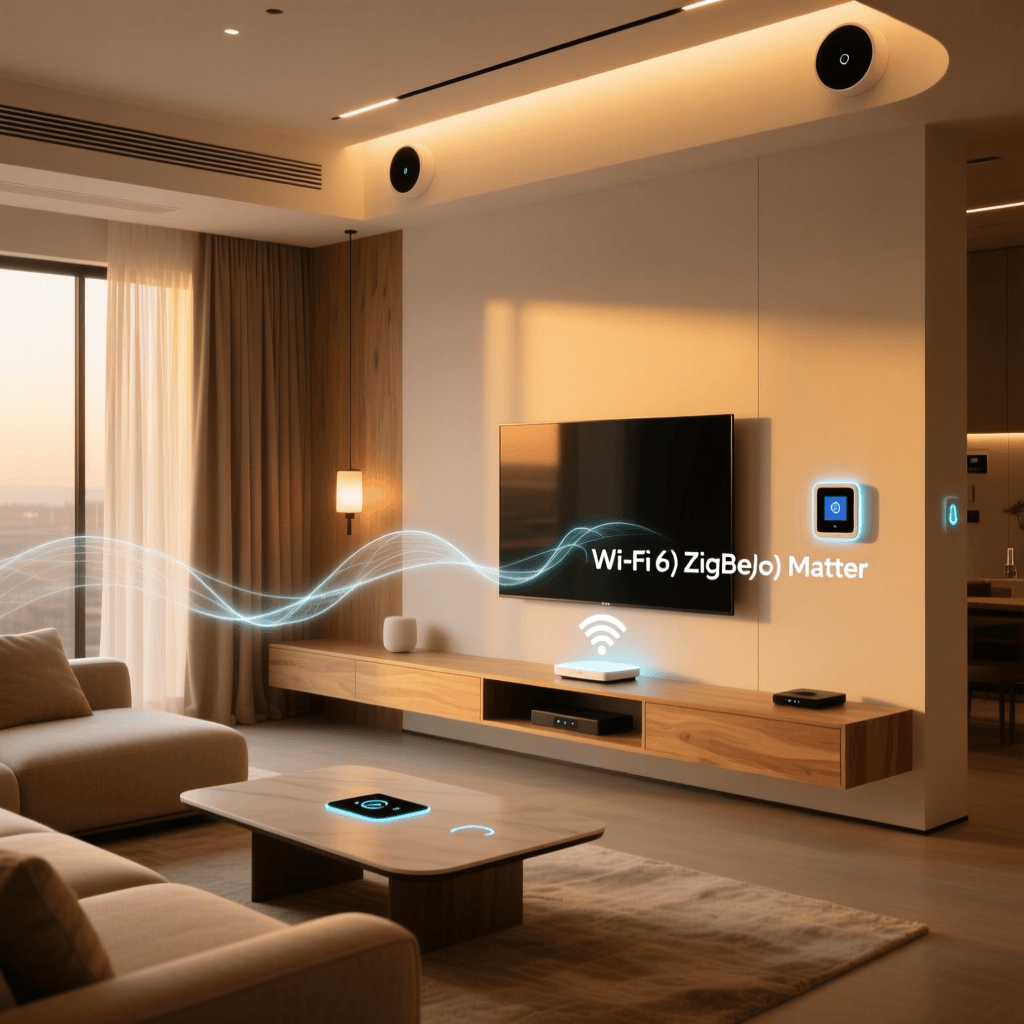
'Matter is not a wireless protocol; it is an application layer that runs on top of existing transport protocols like Wi-Fi, Ethernet, and Thread. It provides a unified language so that devices from different ecosystems can work together locally and securely.' - Connectivity Standards Alliance (CSA)
While Matter handles the translation, Thread handles the transportation. Thread is a low-power, IPv6-native mesh networking protocol based on the same IEEE 802.15.4 radio standard as Zigbee. However, unlike Zigbee, Thread does not require a central hub. Instead, it uses 'Border Routers' (like the Apple HomePod Mini, Nest Hub Max, or Samsung SmartThings Station) to bridge the Thread mesh network directly to your IP network.
As noted by the Thread Group, this IP-native approach means Thread devices can be addressed directly on your local network, resulting in near-zero latency and eliminating the cloud bottleneck. Eve, Nanoleaf, and newer Aqara devices are rapidly adopting Thread/Matter as their primary communication standard.
Protocol Comparison Matrix
To help you decide which devices to integrate into your home, refer to the comparison table below:
| Protocol | Frequency | Topology | Hub Required? | Power Draw | Best Use Case |
|---|---|---|---|---|---|
| Wi-Fi | 2.4 / 5 GHz | Star | No (Uses Router) | High | Cameras, Displays, Plugs |
| Zigbee | 2.4 GHz | Mesh | Yes | Very Low | Battery Sensors, Bulbs |
| Z-Wave | Sub-GHz (908 MHz) | Mesh | Yes | Very Low | Security, Locks, Thick Walls |
| Thread | 2.4 GHz | Mesh (IP) | Border Router | Very Low | Matter Devices, Fast Sensors |
The Role of Hubs and Border Routers
If you decide to utilize Zigbee, Z-Wave, or Thread, you will need a central coordinator. In the past, this meant buying a dedicated, proprietary hub for every brand. Today, the market has consolidated around powerful, multi-protocol hubs.
Top Hub Recommendations for Protocol Management
- Samsung SmartThings Station ($60 - $90): An excellent entry-level hub that natively supports Zigbee and acts as a Matter/Thread Border Router. It's perfect for users deeply embedded in the Samsung or SmartThings ecosystem.
- Home Assistant Green with Connect ZBT-1 ($150 - $200): For the advanced user who demands total local control and privacy. Home Assistant runs on a local server, and the ZBT-1 dongle allows you to run Zigbee and Thread concurrently on separate channels via Silicon Labs chips.
- Apple HomePod Mini ($99): While it doesn't support Zigbee or Z-Wave, it is a phenomenal Thread Border Router and Matter controller for users strictly within the Apple HomeKit ecosystem.
Actionable Buying Guide: Building Your Network
When outfitting your home, the most common mistake beginners make is buying 50 Wi-Fi smart bulbs. This will cripple your home network. Instead, follow this tiered approach based on device function:
1. The High-Bandwidth Tier (Wi-Fi)
Reserve your Wi-Fi network strictly for devices that require high data throughput or are permanently plugged into the wall and lack low-power alternatives. This includes video doorbells, smart displays, and media streamers. Budget allocation: High per device ($50 - $250+).
2. The Lighting and Sensor Tier (Zigbee / Thread)
For smart bulbs (like Philips Hue or WiZ), light switches, and battery-powered motion/contact sensors, use Zigbee or Thread. If you are buying new today, look for the 'Matter over Thread' logo. If you are on a budget, standard Zigbee 3.0 devices from Aqara or Sonoff offer incredible value and reliability when paired with a $50 hub. Budget allocation: Low to Medium per device ($15 - $40).
3. The Security and Structural Tier (Z-Wave)
For smart locks (like the Schlage Encode or Yale Assure), garage door controllers, and devices located at the far edges of your property (like a detached garage or a backyard gate), Z-Wave is unmatched. Its sub-GHz frequency will punch through brick and exterior walls where 2.4 GHz signals fail. Budget allocation: Medium to High per device ($40 - $150).
Conclusion: Designing for Local Control
The ultimate goal of understanding smart home protocols is to achieve local control. When your devices communicate via Zigbee, Z-Wave, or Thread directly to a local hub, your home automations execute in milliseconds, regardless of whether your ISP is experiencing an outage. By strategically mixing Wi-Fi for bandwidth-heavy tasks and mesh protocols for low-power sensors, you create a resilient, intelligent environment that truly works for you.
As the Matter standard continues to mature and Thread Border Routers become standard in everyday smart speakers, the friction of the smart home will vanish. The focus will shift from 'how do I get these devices to talk?' to 'what incredible automations can I build?' By laying the right protocol foundation today, you ensure your home is ready for the innovations of tomorrow.