The Hidden Cost of Household Energy Waste
As utility rates continue to climb globally, homeowners are increasingly turning to smart home technology to regain control over their monthly expenses. However, managing home energy consumption is no longer just about remembering to turn off the lights when you leave a room. It requires a data-driven approach to understand exactly where, when, and how your home consumes electricity. According to the U.S. Department of Energy, heating and cooling account for nearly half of a typical home's energy use, while 'phantom loads'—the power drained by electronics in standby mode—can account for up to 10% of your annual electricity bill.
Transitioning to a smart home ecosystem offers a powerful solution to this problem. By deploying IoT (Internet of Things) sensors, smart thermostats, and whole-home energy monitors, you can transform your electrical panel from a passive distribution box into an active, intelligent command center. This guide will walk you through the foundational concepts of smart home energy management, compare top-tier hardware, and provide actionable strategies to optimize your home's efficiency and lower your carbon footprint.
Understanding Your Home's Energy Baseline
Before you can reduce your energy consumption, you must establish a baseline. Most homeowners only interact with their energy usage once a month when the utility bill arrives. This lagging indicator provides zero insight into which appliances are driving costs or when peak consumption occurs. Smart home energy management bridges this gap by providing real-time, granular data.
A comprehensive energy baseline considers three main categories of household power draw:
- HVAC Systems: Furnaces, air conditioners, and heat pumps represent the largest controllable load in most homes.
- Major Appliances: Water heaters, electric vehicle (EV) chargers, dryers, and ovens draw massive current but operate intermittently.
- Baseload and Phantom Loads: Routers, televisions, gaming consoles, and smart home hubs draw a continuous, low-level current 24/7, even when seemingly turned off.
By mapping these categories, smart home software can identify anomalies. For instance, if your HVAC system begins drawing 15% more power than its historical baseline to achieve the same temperature delta, the system can alert you to a potential maintenance issue, such as a clogged filter or failing compressor, before it results in a catastrophic breakdown.
How Whole-Home Smart Energy Monitors Work
At the heart of advanced energy management is the whole-home smart energy monitor. Unlike smart plugs that measure a single outlet, these devices install directly into your electrical panel and measure the total current flowing into your home. They utilize Current Transformer (CT) clamps—non-invasive sensors that clip around your main service wires to measure the magnetic field generated by the electrical current.
The magic, however, lies in the software. Advanced monitors like the Sense Energy Monitor sample electrical current millions of times per second. By analyzing the high-frequency noise and voltage signatures on the line, Sense's machine learning algorithms can identify the unique 'electronic fingerprint' of individual appliances. It can distinguish between the resistive heat signature of a toaster and the inductive motor startup of a refrigerator, allowing you to see appliance-level breakdowns without needing a smart plug on every single device.
Other systems, like the Emporia Vue 2, take a more hardware-centric approach. Instead of relying solely on AI signature detection, the Vue 2 utilizes multiple smaller CT clamps to monitor individual branch circuits. This guarantees 100% accuracy for specific rooms or heavy appliances, making it an ideal choice for homes with complex electrical setups or solar panel integrations.
Top Smart Energy Monitors Compared
Choosing the right monitor depends on your budget, technical expertise, and the level of granularity you require. Below is a comparison of the leading whole-home energy monitors on the market.
| Device | Price Range | Installation | Key Feature | Best For |
|---|---|---|---|---|
| Sense Energy Monitor | $299 | Electrical Panel (2 Main CTs) | AI Device Signature Detection | Granular appliance tracking without extra hardware |
| Emporia Vue 2 | $79 - $150 | Electrical Panel (Up to 16 Branch CTs) | Individual Circuit Monitoring | Budget-conscious, highly accurate circuit tracking |
| Span Smart Panel | $1,500+ | Full Panel Replacement | Circuit-Level Control & Solar Integration | New builds, major retrofits, and EV/Solar homes |
| Shelly EM | $60 | DIN Rail / Panel (2 CTs) | Local API & Home Assistant Integration | DIY smart home enthusiasts and local control |
Optimizing HVAC with Smart Thermostats
While monitors provide the data, smart thermostats provide the control. Heating and cooling are the most energy-intensive processes in a home, and optimizing them yields the highest return on investment. The EPA Energy Star program notes that certified smart thermostats can save homeowners an average of 8% on heating and 10% on cooling bills annually.
Modern learning thermostats, such as the Ecobee SmartThermostat Premium and the **Google Nest Learning Thermostat**, utilize a combination of passive infrared (PIR) sensors, geofencing, and weather forecasting to optimize HVAC runtimes. Geofencing uses the GPS location of your smartphone to detect when the last person leaves the house, automatically setting the thermostat to an 'Eco' temperature. Conversely, it begins pre-conditioning the home when you are within a few miles of returning.
Furthermore, premium models include remote room sensors. In a multi-story home, the main thermostat might read 72°F in the hallway, while the upstairs bedrooms are sweltering at 78°F. By placing smart sensors in occupied rooms, the Ecobee system can prioritize the temperature of the rooms you are actually using, preventing the HVAC system from overworking to satisfy a sensor in an empty, sun-baked living room.
Average Annual Energy Savings by Smart Device Category
Eradicating Phantom Loads with Smart Plugs
Phantom load, also known as standby power or vampire draw, occurs when electronics consume electricity while turned off or in standby mode. According to research by the Lawrence Berkeley National Laboratory, standby power can account for 5% to 10% of residential energy use in most developed countries. Devices with external power supplies, remote controls, continuous displays, or network connectivity (like gaming consoles and smart TVs) are the worst offenders.
To combat this, smart plugs with built-in energy monitoring—such as the TP-Link Kasa EP25 or the **Eve Energy Smart Plug**—are essential. These devices not only allow you to cut power to vampire devices via a smartphone app but also track exactly how much energy the connected device is consuming in real-time. For home entertainment centers or home office setups, smart power strips can automatically cut power to peripheral devices (like soundbars or printers) when the master device (the TV or PC) is turned off.
Leveraging Time-of-Use (TOU) Rates
One of the most advanced strategies in smart home energy management is load shifting to take advantage of Time-of-Use (TOU) utility plans. Many utility companies now charge variable rates based on the time of day, with electricity costing significantly more during peak evening hours (e.g., 4:00 PM to 9:00 PM) when grid demand is highest.
By integrating your smart home hub with your utility's API, you can automate load shifting. For example:
- EV Charging: Configure your smart EV charger to only draw power between 12:00 AM and 5:00 AM when rates are at their lowest.
- Water Heating: Use a smart breaker or heavy-duty smart switch to heat your water tank during off-peak hours, effectively using the tank as a thermal battery.
- Dishwashers & Laundry: While not strictly 'smart' automation, connecting these to smart switches or utilizing built-in Wi-Fi delay features ensures heavy resistive loads don't coincide with peak grid pricing.
Pro Tip: If you have a home battery system like the Tesla Powerwall, you can automate it to charge from the grid during off-peak hours and discharge to power your home during peak TOU windows, effectively arbitraging your electricity rates and shielding you from price spikes.
The Role of IoT Protocols in Energy Management
When deploying dozens of smart plugs, sensors, and switches to manage energy, the underlying IoT protocol becomes critical. Relying entirely on Wi-Fi for 50 smart plugs will congest your home router, leading to dropped connections and delayed automation routines—defeating the purpose of energy-saving automations.
Instead, energy management ecosystems should leverage low-power mesh networks:
- Zigbee & Z-Wave: These legacy mesh protocols are highly reliable, consume minimal power, and keep local automations running even if your internet connection drops. They are ideal for smart plugs and contact sensors.
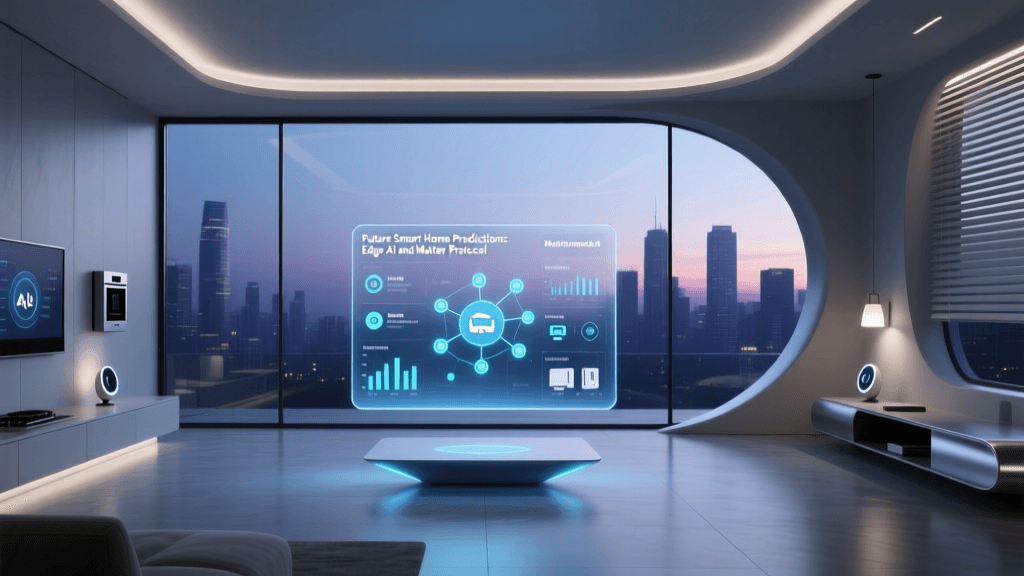
- Thread & Matter: The newest standard in smart home interoperability. Thread provides a robust, low-latency mesh network similar to Zigbee, while Matter ensures that devices from different manufacturers (Apple, Google, Amazon) can communicate seamlessly. Thread-based smart plugs and energy monitors are rapidly becoming the gold standard for future-proof energy management.
Creating Automated Energy-Saving Routines
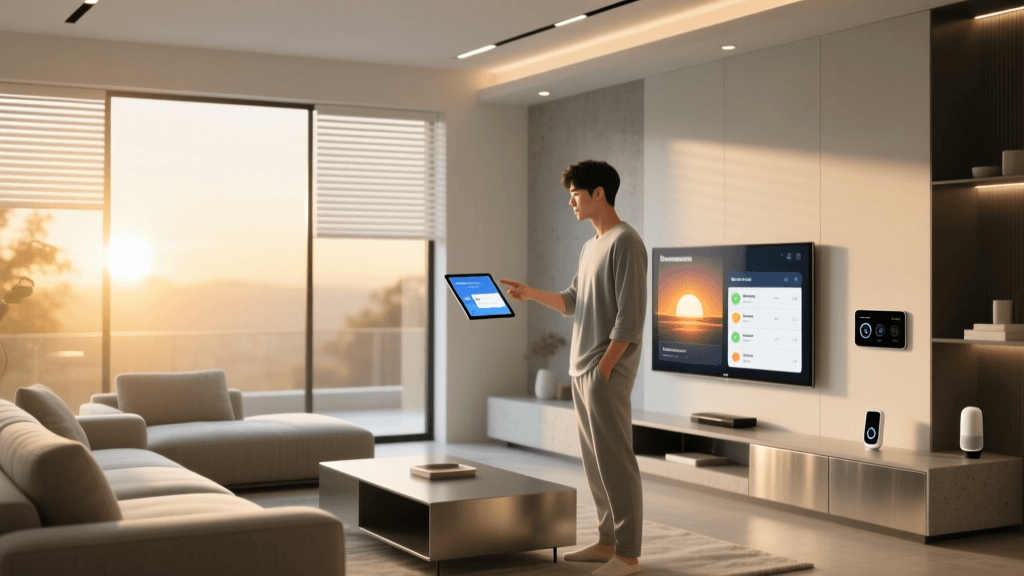
Data and hardware are useless without intelligent automation. Platforms like Apple HomeKit, Amazon Alexa, Google Home, and advanced local hubs like Home Assistant allow you to create complex routines that manage energy passively.
Consider the following automation logic for a home office:
- Trigger: Smart plug detects PC power draw dropping below 15W (indicating the PC is asleep or off).
- Action 1: Turn off the smart plug connected to the dual monitors.
- Action 2: Turn off the smart plug connected to the desk lamp and speakers.
- Action 3: Adjust the smart thermostat to the 'Away' profile if no motion is detected in the room for 30 minutes.
By chaining these events, you eliminate the phantom load of the peripherals and ensure you aren't paying to cool an empty office, all without lifting a finger.
Calculating Your Return on Investment (ROI)
Smart home energy devices are an investment, and calculating the ROI is vital for prioritizing your purchases. A $250 smart thermostat that saves $150 a year will pay for itself in under two years. Conversely, a $30 smart plug used to monitor a lamp that only uses 5W of power may take a decade to recoup its cost through energy savings alone.
To calculate ROI, use this simple formula:
(Device Cost + Installation Cost) / (Annual Energy Savings) = Payback Period in Years
Focus your initial budget on the highest-impact areas: HVAC control (smart thermostats), water heating (smart breakers/timers), and whole-home visibility (panel-level monitors). Once these high-ROI devices are in place, you can expand to smart plugs and lighting for incremental gains and added convenience.
Conclusion
Smart home energy management is a journey from passive consumption to active optimization. By combining the granular visibility of whole-home monitors like the Sense or Emporia Vue with the automated control of smart thermostats and Thread-enabled smart plugs, you can drastically reduce your household's energy waste. Beyond the immediate financial benefits of lower utility bills and TOU rate arbitrage, building an energy-aware smart home contributes to a more resilient, sustainable power grid. Start by auditing your baseline, tackle your HVAC and phantom loads, and let IoT automation handle the rest.