Smart Home Definition: How It Works, Pros & Cons Explained
Imagine arriving home after a long day. Before you even reach the front door, your garage opens automatically, the lights in your hallway glow warmly, your thermostat has already adjusted to your preferred temperature, and your favorite playlist begins streaming through the living room speakers. This is not a scene from a futuristic movie — it is the everyday reality of millions of people living in smart homes.
But what exactly is a smart home? How does the technology behind it actually work? And more importantly, is investing in smart home technology the right decision for you?
In this comprehensive guide, we will break down the smart home definition, explore the underlying technology that powers connected living, and weigh the most significant advantages and disadvantages so you can make an informed decision about bringing intelligent automation into your home. Whether you are a curious beginner or someone looking to expand an existing setup, this article covers everything you need to know.
What Is a Smart Home? A Clear Definition
A smart home is a residence equipped with internet-connected devices that enable the remote monitoring, automation, and management of appliances and systems such as lighting, heating, security, entertainment, and more. These devices communicate with each other and with the homeowner through a centralized network, typically controlled via a smartphone app, voice assistant, or dedicated hub.
The concept goes far beyond simply owning a few gadgets. A true smart home integrates multiple devices and systems into a cohesive ecosystem that responds to your habits, preferences, and commands. For example, a smart home might learn that you usually turn off all the lights and lock the doors at 11 PM, and then automate that routine without any input from you.
According to Statista, the global smart home market continues to grow rapidly, with hundreds of millions of households worldwide now using at least one smart home device. The term "smart home" is often used interchangeably with "connected home," "home automation," and "domotics" (a portmanteau of the Latin word domus, meaning home, and robotics).
Common examples of smart home devices include:
- Smart speakers and displays — Amazon Echo, Google Nest Hub, Apple HomePod
- Smart lighting — Philips Hue, LIFX, Nanoleaf
- Smart thermostats — Ecobee, Google Nest Thermostat
- Smart security — Ring doorbells, Arlo cameras, August smart locks
- Smart appliances — Connected refrigerators, robot vacuums, smart washers
- Smart plugs and switches — TP-Link Kasa, Wemo, Lutron Caseta
If you are just getting started and want to explore which devices are right for your space, check out our smart home learning hub for beginner-friendly guides and product recommendations.
How Smart Home Technology Works
Understanding how a smart home works requires looking at three fundamental layers: connectivity, communication protocols, and control interfaces. Together, these layers form the backbone of every smart home system.
The Connectivity Layer
At its core, a smart home relies on an internet connection. Most smart devices connect to your home's Wi-Fi network, which links them to the cloud servers operated by device manufacturers. These cloud servers process commands, store data, and enable remote access — meaning you can control your home devices from anywhere in the world using your smartphone.
However, not every smart device connects directly to Wi-Fi. Many use specialized wireless protocols designed specifically for low-power, short-range communication between devices. This is where communication protocols come in.
Communication Protocols
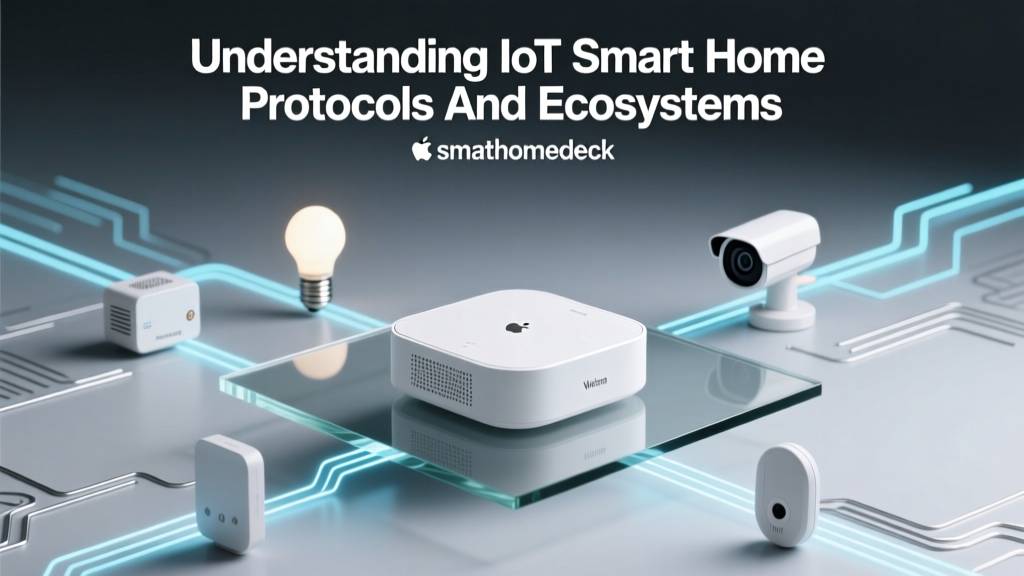
Smart home devices speak different "languages" depending on the protocol they use. Here are the most common ones:
- Wi-Fi: The most widely used protocol. Ideal for bandwidth-heavy devices like cameras and streaming devices, but can consume significant power and congest your network if too many devices are connected.
- Zigbee: A low-power mesh networking protocol used by many sensors, light bulbs, and locks. Devices communicate with each other in a daisy-chain fashion, extending the network's range. Requires a hub or bridge.
- Z-Wave: Similar to Zigbee but operates on a different frequency, which means it does not interfere with Wi-Fi. Popular in home security and automation systems.
- Bluetooth / Bluetooth Low Energy (BLE): Common in smart locks and proximity-based devices. Limited range but very low power consumption.
- Thread: A newer mesh networking protocol designed specifically for smart homes. It is IP-based, meaning devices can communicate directly with the internet without a proprietary bridge.
- Matter: An industry-wide interoperability standard backed by Apple, Google, Amazon, and Samsung. Matter ensures that smart home devices from different brands can work together seamlessly, regardless of the underlying protocol. If you are buying new devices, look for the Matter-compatible products in our guides.
The Control Interface
Once your devices are connected, you need a way to control them. The most common control interfaces include:
- Smartphone apps: Every smart device comes with a companion app that lets you adjust settings, create schedules, and monitor activity.
- Voice assistants: Amazon Alexa, Google Assistant, and Apple Siri allow you to control devices using natural speech commands like "Turn off the living room lights" or "Set the thermostat to 72 degrees."
- Smart hubs: Devices like Samsung SmartThings or Amazon Echo act as a central brain, coordinating communication between devices that use different protocols.
- Automation routines: Perhaps the most powerful feature. Routines let you chain multiple actions together based on triggers like time of day, location, sensor readings, or device states. For example, a "Good Morning" routine might open the blinds, start the coffee maker, and read your daily calendar — all triggered by your alarm going off.
This chart illustrates how different smart home categories rely on various communication protocols. Lighting and security systems tend to use mesh protocols like Zigbee and Z-Wave more heavily, while entertainment devices and appliances lean on Wi-Fi for higher bandwidth needs.
The Pros of Smart Home Technology
Smart home technology offers a wide range of benefits that can improve your daily life in meaningful ways. Let us explore the most significant advantages.
1. Convenience and Comfort
This is the number one reason people adopt smart home technology. Being able to control your entire home from your phone or with a simple voice command eliminates countless small tasks from your daily routine. Forgot to turn off the lights when you left for work? Tap a button. Want to preheat the oven while you are still at the grocery store? Done. Smart homes adapt to your lifestyle, not the other way around.
2. Energy Efficiency and Cost Savings
Smart thermostats, smart lighting, and smart plugs can significantly reduce your energy consumption. According to the U.S. Department of Energy, smart thermostats alone can save homeowners an average of 10-15% on heating and cooling costs. Smart lighting systems can automatically turn off lights in empty rooms, and smart plugs can eliminate phantom power draw from electronics in standby mode.
Over time, these savings add up. Many smart home devices pay for themselves within a year or two through reduced utility bills. To see which energy-saving devices we recommend, browse our energy efficiency guides.
3. Enhanced Home Security
Smart security systems provide a level of protection and peace of mind that traditional security systems cannot match. Smart doorbells let you see and speak to visitors from anywhere. Smart cameras send instant alerts when they detect motion. Smart locks allow you to grant temporary access codes to guests, dog walkers, or delivery drivers — and revoke them at any time.
Many smart security systems also integrate with professional monitoring services, and some insurance companies offer discounts for homes equipped with monitored smart security systems.
4. Accessibility and Aging in Place
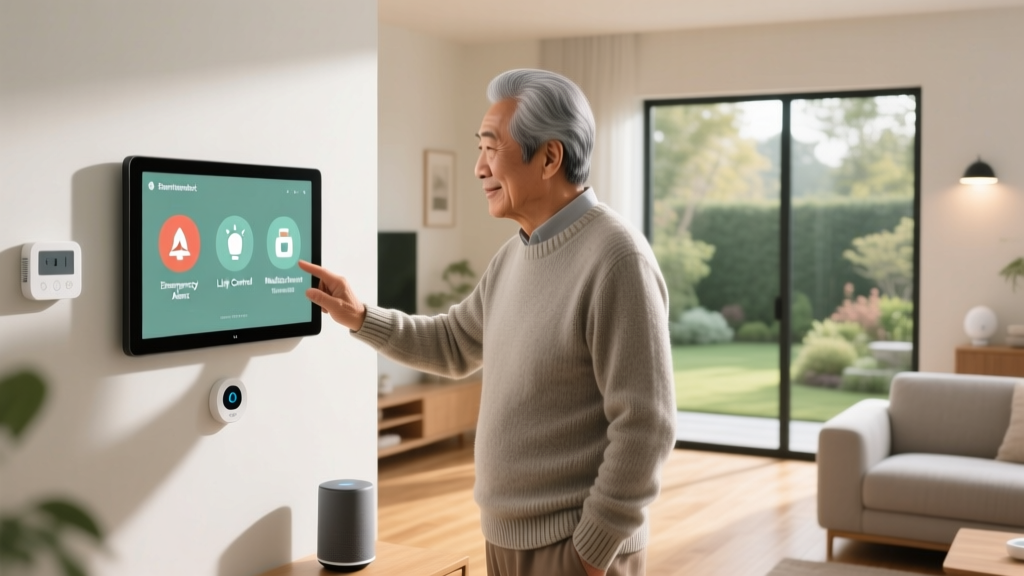
Smart home technology is transformative for elderly individuals and people with disabilities. Voice-controlled devices eliminate the need to physically interact with switches, remotes, and thermostats. Automated lighting reduces fall risks. Smart sensors can detect unusual activity patterns and alert caregivers if something seems wrong. These capabilities enable people to live independently in their own homes for longer.
5. Increased Home Value
Homes equipped with smart technology are increasingly attractive to buyers. A well-integrated smart home system — particularly one that includes smart thermostats, lighting, security, and entertainment — can increase your property's resale value and make it stand out in a competitive real estate market.
The Cons of Smart Home Technology
While the benefits are compelling, smart home technology is not without its drawbacks. Being aware of these challenges will help you plan effectively and avoid common pitfalls.
1. Privacy and Data Security Concerns
This is the most frequently cited concern about smart homes. Connected devices collect enormous amounts of data about your daily habits, routines, and even conversations (in the case of always-listening smart speakers). This data is typically stored on manufacturer servers and, in some cases, shared with third parties.
Additionally, every connected device represents a potential entry point for hackers. A poorly secured smart camera or smart lock could be exploited by malicious actors. To mitigate these risks, always use strong, unique passwords for each device, enable two-factor authentication, keep firmware updated, and purchase devices from reputable manufacturers with strong security track records.
2. Cost of Setup and Maintenance
Building a comprehensive smart home can be expensive. While individual devices like smart plugs and bulbs are relatively affordable, larger investments like smart locks, thermostats, cameras, and hubs add up quickly. A fully equipped smart home can cost anywhere from a few hundred to several thousand dollars, depending on the scope of automation.
There are also ongoing costs to consider. Some devices require subscription services for full functionality (such as cloud video storage for security cameras). Devices may also need to be replaced or upgraded as technology evolves.
3. Complexity and Compatibility Issues
The smart home landscape is notoriously fragmented. Devices from different manufacturers may not work together seamlessly, and setting up automations that span multiple brands can be frustrating. While the Matter standard is making great strides in solving this problem, many older devices and ecosystems remain incompatible with one another.
For beginners, the sheer number of options — different platforms, protocols, apps, and hubs — can feel overwhelming. Our recommendation is to start with a single ecosystem (such as Amazon Alexa, Google Home, or Apple HomeKit) and expand gradually, ensuring each new device is compatible with your existing setup.
4. Reliance on Internet and Power
Smart homes depend on a stable internet connection and consistent electrical power. If your Wi-Fi goes down, many smart devices lose their remote control and automation capabilities. Similarly, a power outage can render smart switches, locks, and other devices unusable until power is restored.
To prepare for these scenarios, invest in a reliable mesh Wi-Fi system, consider an uninterruptible power supply (UPS) for critical devices like smart locks and security systems, and choose devices that have manual override options (such as smart locks with physical key backup).
5. Learning Curve and Technical Troubleshooting
Not everyone is comfortable with technology, and smart homes do require a certain level of technical literacy. Setting up devices, configuring automations, and troubleshooting connectivity issues can be time-consuming. Firmware updates occasionally introduce bugs, and devices sometimes drop off the network for no apparent reason.
That said, the user experience has improved dramatically in recent years. Most major platforms now offer intuitive setup wizards, and resources like our smart home tutorials can walk you through even the most complex configurations step by step.
Surveys consistently show that privacy and security remain the top concern for consumers considering smart home adoption, followed closely by cost and complexity. Understanding these concerns upfront helps you address them proactively as you build your smart home.
Is a Smart Home Right for You?
The decision to invest in smart home technology ultimately depends on your lifestyle, budget, and comfort with technology. Here is a quick framework to help you decide:
A smart home is likely a great fit if you:
- Value convenience and want to streamline daily routines
- Are interested in reducing your energy consumption and utility bills
- Want to enhance your home's security with remote monitoring
- Enjoy experimenting with technology and automation
- Are planning to stay in your home for several years (allowing time to recoup costs)
You may want to proceed cautiously if you:
- Have significant concerns about data privacy and are unwilling to accept any data-sharing trade-offs
- Are on a tight budget and cannot absorb upfront costs
- Live in an area with unreliable internet service
- Prefer simplicity and do not want to spend time troubleshooting technology
The good news is that smart home adoption does not have to be an all-or-nothing decision. You can start small — perhaps with a single smart speaker, a couple of smart bulbs, or a smart plug — and expand your setup gradually as you become more comfortable with the technology. Many of the best smart home setups are built over time, one device at a time.
For personalized recommendations based on your specific needs and budget, explore our complete smart home buying guides to find the perfect devices for your space.
Frequently Asked Questions
What is the difference between a smart home and home automation?
While the terms are often used interchangeably, there is a subtle distinction. A smart home refers broadly to a residence equipped with internet-connected devices that can be monitored and controlled remotely. Home automation refers specifically to the programming of these devices to perform actions automatically based on triggers, schedules, or conditions — for example, lights that turn on at sunset or a thermostat that adjusts when you leave the house. In practice, most modern smart homes include home automation as a core feature.
Do smart homes use a lot of electricity?
Individual smart home devices typically consume very little electricity. A smart bulb uses roughly the same amount of power as a standard LED bulb, and smart plugs draw only a fraction of a watt in standby mode. In fact, smart home devices are more likely to reduce your overall electricity consumption by automating energy-saving behaviors like turning off lights in empty rooms and optimizing heating and cooling schedules. The net effect on your electric bill is usually positive, not negative.
Can smart home devices work without the internet?
Some can, and some cannot. Devices that rely on cloud-based processing — such as most smart speakers and cameras — will lose significant functionality without an internet connection. However, devices that use local protocols like Zigbee, Z-Wave, or Thread (especially when paired with a local hub like Home Assistant or Samsung SmartThings) can continue to operate and run automations even when the internet is down. If local control is a priority for you, look for devices that support local processing and avoid those that are entirely cloud-dependent.
How secure are smart home devices from hacking?
Security varies widely between manufacturers and device categories. Reputable brands invest heavily in encryption, regular firmware updates, and security audits. However, cheaper, off-brand devices may have significant vulnerabilities. According to CISA (Cybersecurity and Infrastructure Security Agency), the best practices for securing smart home devices include changing default passwords, enabling multi-factor authentication, segmenting IoT devices on a separate Wi-Fi network, and keeping all firmware up to date. Following these steps dramatically reduces your risk.
What is the best smart home platform for beginners?
For most beginners, Amazon Alexa offers the broadest device compatibility and the easiest setup experience. Google Home is a close second, particularly if you are already invested in Google services like Gmail, Calendar, and Maps. Apple HomeKit provides the strongest privacy protections and the most polished user experience, but it supports fewer devices and tends to be more expensive. Regardless of which platform you choose, prioritize devices that carry the Matter certification — this ensures they will work across all major platforms, giving you the flexibility to switch ecosystems in the future without replacing your devices.
Ready to start building your smart home? Explore our curated smart home guides and reviews to find the best devices for every room in your house.