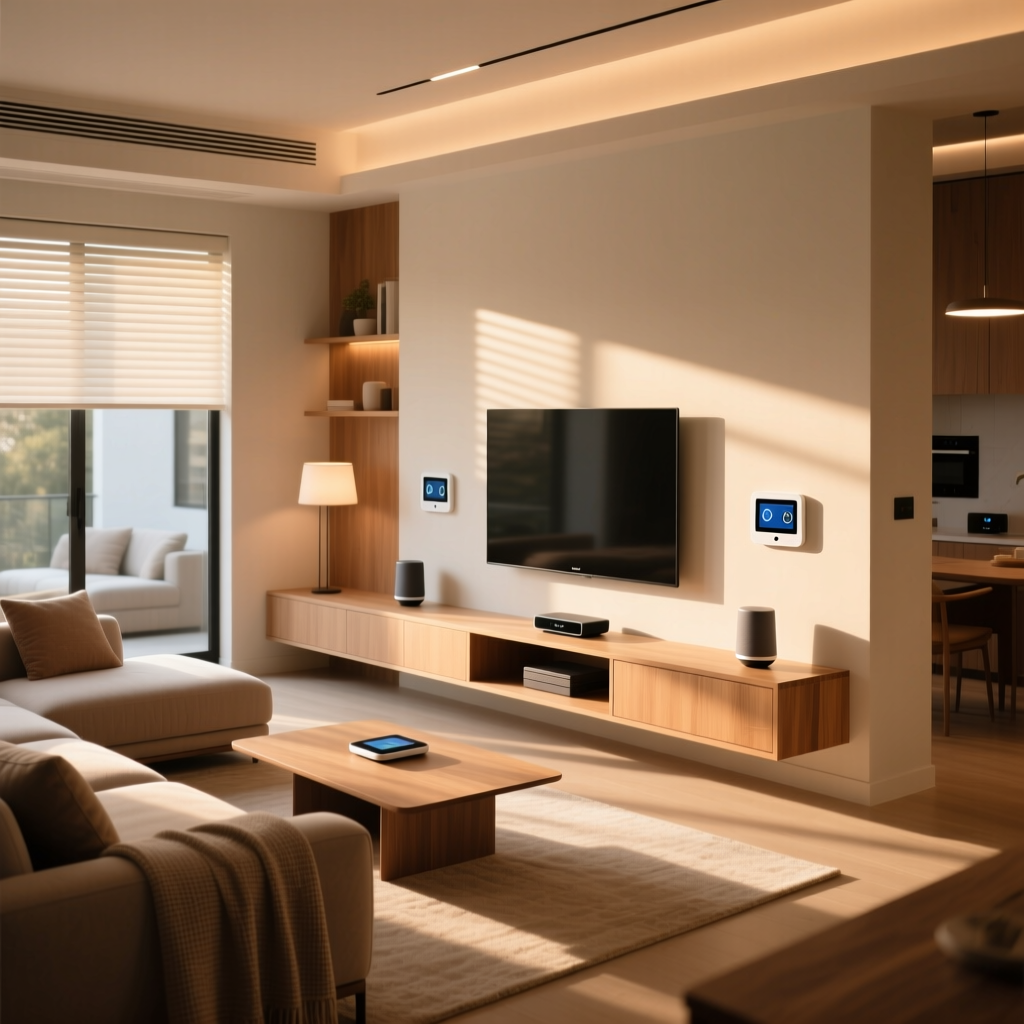
Building a smart home is one of the most exciting home improvement projects you can undertake. However, with thousands of devices on the market, finding the right combination of hardware and software can feel overwhelming. Should you invest in a dedicated hub, or rely on Wi-Fi? Which voice assistant offers the best privacy? In this comprehensive guide, we provide expert smart home recommendations to help you design a reliable, secure, and highly automated living space. Whether you are starting with a single smart plug or wiring a multi-story house for complete automation, these foundational strategies will ensure your technology works for you, not against you.
Choosing the Right Smart Home Ecosystem
The foundation of any connected house is the ecosystem that controls it. Before buying individual gadgets, you must decide which platform will serve as the brain of your operation. When weighing the pros & cons of each platform, it is clear that the major players each have distinct advantages and cater to different user preferences.
Apple HomeKit (now integrated into the Apple Home app) is widely considered the best choice for users deeply embedded in the Apple ecosystem. It prioritizes privacy, processes many commands locally, and offers a highly polished, intuitive user interface. However, its hardware compatibility list is traditionally more restrictive than its competitors.
Google Home excels in natural language processing and smart speaker integration. If you frequently ask complex questions or rely heavily on Google services, this ecosystem provides a seamless experience. Its routines and automations are robust, though it relies heavily on cloud processing.
Amazon Alexa boasts the largest library of compatible third-party devices. If your primary goal is to connect as many different brands as possible without worrying about strict certification requirements, Alexa is a powerhouse. Its skill library and routine capabilities are incredibly deep, making it a favorite for DIY automation enthusiasts.
Samsung SmartThings remains a top recommendation for advanced users who want granular control over complex automations. It acts as a bridge between various protocols and offers excellent local processing capabilities when paired with the right hardware. For a deeper dive into platform comparisons, check out our complete breakdown of smart home ecosystems.
Essential Smart Home Devices for Every Room
Once your ecosystem is selected, it is time to populate your home with devices that offer genuine utility. We recommend focusing on high-impact categories that improve comfort, security, and energy efficiency.
Smart Lighting
Lighting is the most noticeable aspect of home automation. For color and ambiance, smart bulbs are excellent. However, for whole-home reliability, we highly recommend smart switches and dimmers. By replacing the wall switch rather than the bulb, you ensure the smart functionality remains intact even if someone accidentally flips the physical switch. Explore our step-by-step smart lighting setup guide for wiring tips and best practices.
Climate Control
A smart thermostat is arguably the highest return-on-investment device you can buy. Learning thermostats adapt to your schedule, reducing energy consumption when you are away. Look for models with remote sensors to balance temperatures across multiple rooms, eliminating hot and cold spots. See our curated list of the best smart thermostats to find the perfect fit for your HVAC system.
Security and Access
Smart locks and video doorbells provide immense peace of mind. A quality smart lock allows you to grant temporary access codes to guests or dog walkers, while a video doorbell lets you monitor package deliveries in real-time. When selecting security cameras, prioritize models that offer local storage options or end-to-end encryption to protect your privacy. Read our guide on smart home security to learn how to safeguard your perimeter effectively.
Environmental and Safety Sensors
Beyond cameras and locks, protecting your home from environmental hazards is crucial. Smart smoke and carbon monoxide detectors can send alerts to your phone and even trigger your HVAC system to shut down to prevent circulating smoke. Similarly, water leak sensors placed under sinks, near water heaters, and behind washing machines can save you from catastrophic property damage by alerting you the moment moisture is detected.
Understanding Smart Home Protocols: Matter, Zigbee, and Z-Wave
A common mistake beginners make is buying devices that rely exclusively on Wi-Fi. While Wi-Fi is great for high-bandwidth devices like cameras, it is inefficient for low-power sensors and switches. Connecting dozens of devices directly to your router will quickly congest your network, leading to dropped connections and slow response times.
This is where dedicated smart home protocols come into play. Zigbee and Z-Wave are mesh networking protocols designed specifically for low-power, low-bandwidth devices. In a mesh network, every plugged-in device acts as a repeater, extending the range and reliability of the network. The more devices you add, the stronger the mesh becomes.
The industry has largely united behind a new standard called Matter, which operates over Thread (a low-power mesh network similar to Zigbee) and Wi-Fi. Matter promises to break down the walled gardens of the past, allowing devices to work seamlessly across Apple, Google, and Amazon platforms simultaneously. According to the Connectivity Standards Alliance, Matter ensures that devices are secure, reliable, and interoperable right out of the box, drastically simplifying the setup process for consumers.
As illustrated in the chart above, mesh protocols consume a fraction of the power required by Wi-Fi, making them ideal for battery-operated sensors that need to last for months or years without a recharge. When planning your network, invest in a high-quality multi-protocol hub that supports Zigbee, Z-Wave, and Thread to future-proof your installation against shifting industry trends.
Smart Home Security and Privacy Best Practices
As your home becomes more connected, your digital attack surface expands. Securing your smart home is not optional; it is a critical responsibility. The convenience of remote access should never come at the cost of your personal privacy or physical security.
First and foremost, secure your network. We strongly recommend setting up a separate Virtual Local Area Network (VLAN) or a dedicated guest network exclusively for your IoT devices. This prevents a compromised smart bulb from providing a hacker with access to your personal computers or smartphones.
Second, enable Two-Factor Authentication (2FA) on every smart home account you create. Whether it is your camera app or your smart lock portal, 2FA ensures that a stolen password is not enough for an intruder to gain access to your home controls.
Third, prioritize local control whenever possible. Devices that process commands locally via a hub do not need to send data to a remote server, drastically reducing the risk of cloud breaches and ensuring your automations continue to run even if your internet connection drops. The Cybersecurity and Infrastructure Security Agency (CISA) regularly publishes guidelines emphasizing the importance of network segmentation and regular firmware updates for IoT devices.
Furthermore, disable Universal Plug and Play (UPnP) on your router. UPnP allows devices to automatically open ports on your firewall, which can inadvertently expose your internal network to the outside world. Never use port forwarding to access your smart home devices remotely; instead, rely on the manufacturer secure cloud relay or set up a secure Virtual Private Network (VPN). Always review the privacy policies and terms & conditions of any cloud service before linking it to your home network.
Budgeting for Your Smart Home: Where to Invest and Where to Save
Building a fully automated home can be expensive, but strategic budgeting allows you to maximize your experience without breaking the bank. The key is to splurge on infrastructure and high-use interfaces, while saving on easily replaceable endpoints.
Where to Invest
- The Hub/Controller: A robust hub is the heart of your system. Skimping here will lead to frustration, lag, and unreliable automations.
- Smart Locks: Security hardware must be reliable and durable. Invest in premium brands with proven mechanical reliability and strong encryption.
- Thermostats and Smoke Detectors: These devices manage your home critical life-support and climate systems. Buy the best models with comprehensive sensor support.
- In-Wall Switches: High-quality smart switches feel better to the touch, operate silently, and last significantly longer than cheap alternatives.
Where to Save
- Smart Plugs: Basic smart plugs are commodities. You can easily find reliable, budget-friendly options that perform just as well as premium brands.
- Color Bulbs: While premium brands offer slightly better color accuracy, budget-friendly smart bulbs are often more than sufficient for casual ambiance and basic scheduling.
- Basic Sensors: Door, window, and motion sensors do not require expensive hardware. Look for budget options that support your preferred mesh protocol.
By allocating your budget wisely, you can build a premium smart home experience that scales beautifully over time. For more ideas on expanding your system, explore our tutorials on smart home automation.
Frequently Asked Questions
What is the best smart home ecosystem for beginners?
For beginners, Amazon Alexa and Google Home are generally the most accessible due to their wide hardware compatibility, affordable entry-level smart speakers, and straightforward setup processes. However, if you and your household exclusively use iPhones and iPads, Apple HomeKit offers a much more polished, user-friendly, and privacy-centric experience that requires less technical troubleshooting.
Do I need a smart home hub if I use Matter devices?
Yes, you still need a hub or a border router. While Matter simplifies the software side of compatibility, it still requires hardware to manage the network. If your Matter devices use the Thread protocol, you will need a Thread Border Router (which is often built into modern smart speakers and hubs) to connect the low-power mesh network to your home Wi-Fi and the broader internet.
How much does a basic smart home setup cost?
A functional, basic smart home setup can be achieved for a few hundred dollars. This typically includes a smart speaker or display (acting as your hub), a smart thermostat, a video doorbell, and a few smart plugs or bulbs. As you expand into whole-home lighting, motorized shades, and comprehensive security systems, the investment can scale into the thousands. Starting small and expanding room-by-room is the most financially sustainable approach.
Will smart home devices work if my internet goes down?
It depends on how your system is architected. If your devices rely entirely on cloud processing (common with many budget Wi-Fi devices), they will lose their smart functionality and remote access when the internet drops. However, if you use a local hub with Zigbee, Z-Wave, or Thread devices, your physical switches, automations, and local voice commands will continue to function perfectly without an active internet connection.
Can I install smart home devices if I rent my apartment?
Absolutely. Renters should focus on non-destructive, easily removable devices. Smart plugs, freestanding smart lamps, battery-operated video doorbells, and smart blinds that mount inside the window frame are all excellent choices. Avoid hardwired switches or thermostats unless you have your landlord explicit permission and are prepared to reinstall the original hardware before moving out.