The Anatomy of Smart Home Connectivity: Why Hubs Matter
When building a smart home, the most common point of frustration for beginners is discovering that a newly purchased sensor or smart lock refuses to connect directly to their smartphone or Wi-Fi router. This disconnect stems from a fundamental misunderstanding of smart home protocols. Not all wireless standards are created equal; they are engineered with different priorities regarding bandwidth, power consumption, range, and network topology. Consequently, the hardware required to bridge these devices to your home network and the internet varies wildly.
At SmartHomeDeck, we frequently test ecosystems ranging from Apple HomeKit and Amazon Alexa to Home Assistant and Hubitat. Through rigorous testing, one truth remains constant: the reliability of your smart home is inextricably linked to the quality, placement, and protocol-matching of your hubs, coordinators, and border routers. In this comprehensive guide, we break down the exact hub and border router requirements for every major smart home protocol, providing actionable buying advice, network architecture strategies, and cost analyses to help you build a resilient, future-proof smart home.
Wi-Fi and Bluetooth: The 'Hubless' Illusion
Wi-Fi: High Bandwidth, High Power
Wi-Fi is the most ubiquitous protocol in the modern home. Devices like smart plugs, security cameras, and high-end smart displays use Wi-Fi because they require high bandwidth and have access to continuous mains power. Technically, Wi-Fi devices do not require a dedicated 'smart home hub.' Instead, they rely on your existing Wi-Fi router acting as the central access point.
However, there is a hidden limitation: consumer Wi-Fi routers have a strict ceiling on simultaneous client connections. Most standard ISP-provided routers begin to drop connections or experience severe latency once you exceed 30 to 50 connected IoT devices. If you plan to outfit an entire home with Wi-Fi smart bulbs, you will quickly overwhelm your router's DHCP table and processing capabilities. The 'hub' requirement here is actually a requirement for enterprise-grade or mesh Wi-Fi routers (like eero, Ubiquiti, or TP-Link Deco) that can handle 100+ IoT endpoints without crashing.
Bluetooth: The Range and Proxy Problem
Bluetooth Low Energy (BLE) is designed for extreme power efficiency, making it ideal for battery-operated smart locks (like the August Wi-Fi Smart Lock or Yale Assure) and portable sensors. Out of the box, BLE devices connect directly to your smartphone. But the moment you leave your house, you lose remote access and automation capabilities.
To integrate Bluetooth devices into a broader smart home automation system, you need a Bluetooth Gateway or Proxy. For example, SwitchBot relies on the SwitchBot Hub 2 (approx. $65) to bridge its BLE curtain motors and contact sensors to Wi-Fi. Similarly, Apple's HomeKit utilizes Apple TVs and HomePods as Bluetooth proxies. Without a dedicated gateway, your Bluetooth smart home is effectively tethered to the physical proximity of your mobile phone.
Zigbee and Z-Wave: The Era of the Dedicated Coordinator
Unlike Wi-Fi, Zigbee and Z-Wave are low-power, mesh-networking protocols operating on the IEEE 802.15.4 standard (Zigbee) or proprietary sub-GHz frequencies (Z-Wave). Because they do not speak the same language as your IP-based home network, they strictly require a central translator known as a Coordinator (for Zigbee) or a Controller (for Z-Wave).
Zigbee: The Universal but Fragmented Standard
Zigbee operates on the crowded 2.4 GHz spectrum, sharing airspace with Wi-Fi and Bluetooth. A Zigbee coordinator manages the network, assigns addresses, and routes mesh traffic. You have two main paths for Zigbee hubs:
- Proprietary Ecosystem Hubs: Devices like the Philips Hue Bridge ($50) or Amazon Echo (4th Gen, built-in hub). These are plug-and-play but often lock you into specific ecosystems or suffer from slow cloud-dependent processing.
- Universal USB Coordinators: For advanced users running Home Assistant or Zigbee2MQTT, a USB coordinator like the Sonoff Zigbee 3.0 USB Dongle Plus P ($25) or the Home Assistant Connect ZBT-1 ($30) is the gold standard. Plugged into a Raspberry Pi or mini-PC, these offer local processing, support for over 250 devices, and zero vendor lock-in.
Pro-Tip: Zigbee interference is the leading cause of smart home failure. Always set your Zigbee coordinator to Channel 11, 15, 20, or 25, and ensure your 2.4 GHz Wi-Fi is set to non-overlapping channels to prevent packet collisions.
Z-Wave: The Premium, Interference-Free Mesh
Z-Wave operates on sub-GHz frequencies (908.42 MHz in North America, 868.42 MHz in Europe), allowing it to penetrate walls and floors far better than Zigbee while completely ignoring 2.4 GHz Wi-Fi interference. According to the Z-Wave Alliance, the strict certification process ensures that any Z-Wave controller can communicate with any Z-Wave device, regardless of the manufacturer.
Because of this strict certification and the licensing of the Z-Wave chipsets, Z-Wave hubs are generally more expensive. The Aeotec Z-Stick 7 ($65) is the premier choice for DIY local networks, while the Hubitat Elevation ($150) remains the best standalone commercial hub for users who want local Z-Wave and Zigbee processing without managing a Linux server. Note that Z-Wave is region-locked; a US hub cannot control European Z-Wave devices due to differing radio frequency regulations.
Thread and Matter: The Border Router Revolution
The introduction of Matter and Thread has fundamentally shifted the smart home paradigm, but it has also introduced immense confusion regarding what hardware is actually required. To understand the hardware requirements, we must separate the network layer (Thread) from the application layer (Matter).
Thread: The IP-Based Mesh Network
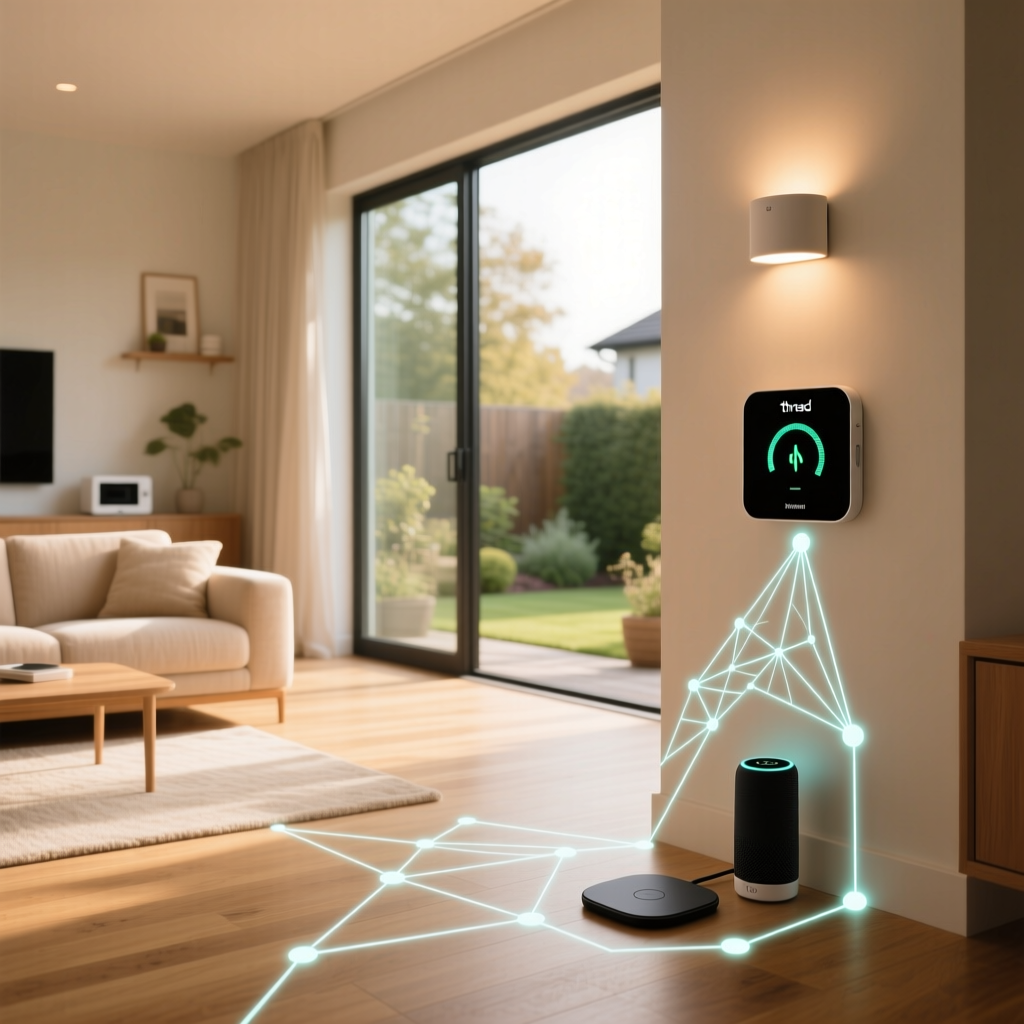
Thread is a low-power, self-healing mesh network based on the same 802.15.4 radio standard as Zigbee. However, unlike Zigbee, Thread is natively IP-based (IPv6). This means a Thread lightbulb has an actual IP address on your network. But because your standard Wi-Fi router cannot transmit 802.15.4 radio waves, you need a Thread Border Router.
A Thread Border Router does not need to 'understand' what a smart bulb is; it simply acts as a bridge, passing IPv6 packets between the 802.15.4 Thread mesh and your Ethernet/Wi-Fi network. The beauty of Thread is that you likely already own a Border Router without realizing it. Devices like the Apple HomePod Mini, Apple TV 4K (Wi-Fi + Ethernet), Nest Hub (2nd Gen), and eero 6 mesh routers all contain hidden Thread radios. If you own multiple Thread Border Routers from the same ecosystem, they seamlessly combine to form a single, resilient mesh network.
Matter: The Application Layer Controller
Matter is the language that devices speak *over* the network (whether that network is Wi-Fi, Ethernet, or Thread). To control Matter devices, run automations, and provide remote access, you need a Matter Controller. According to the Connectivity Standards Alliance (CSA), Matter controllers act as the central brain of your ecosystem.
Examples of Matter Controllers include the Apple HomePod, Amazon Echo (4th Gen+), and Google Nest Hub. It is entirely possible for a device to be a Thread Border Router but not a Matter Controller (like some standalone eero routers), and vice versa. For the best experience, consumers should look for devices that serve as both, such as the Apple TV 4K or the Nest Hub Max.
Protocol Hub Requirements Comparison Table
| Protocol | Hub Required? | Hardware Type | Avg. Entry Cost | Max Devices (Approx) |
|---|---|---|---|---|
| Wi-Fi | No (Uses Wi-Fi Router) | Mesh Wi-Fi System | $0 (Assumes existing router) | 50 - 150+ |
| Bluetooth (BLE) | Yes (For remote/automation) | Gateway / Proxy | $30 - $65 | 10 - 20 per gateway |
| Zigbee | Yes | Coordinator / Bridge | $25 - $80 | 200 - 250+ |
| Z-Wave | Yes | Primary Controller | $60 - $150 | 232 nodes |
| Thread | Yes | Border Router | $0 (Often built-in) | 250+ |
| Matter | Yes | Matter Controller | $99 - $299 | Varies by platform |
Visualizing the Cost of Entry
When budgeting for a smart home, the cost of the foundational network hardware is often overlooked. The chart below illustrates the estimated average entry cost to establish a dedicated, reliable hub or border router infrastructure for each protocol, assuming you are starting from scratch without built-in ecosystem devices.
Network Architecture: How Many Hubs Do You Actually Need?
A common mistake among smart home enthusiasts is 'hub sprawl'—buying a separate hub for every brand of device they purchase. You end up with a Philips Hue Bridge, an Aqara Hub, a SmartThings Station, and a SwitchBot Hub cluttering your router shelf. This not only wastes money but also congests the 2.4 GHz spectrum with competing mesh networks.
The Universal Hub Strategy
To combat hub sprawl, we strongly advocate for a consolidated network architecture. If you are willing to invest a small amount of time into setup, a local smart home platform like Home Assistant paired with universal USB coordinators is the ultimate solution. By plugging a Sonoff Zigbee Dongle and an Aeotec Z-Wave stick into a single Intel NUC or Raspberry Pi, you replace dozens of proprietary hubs with a single, localized, and immensely powerful server.
The Commercial Ecosystem Strategy
If managing a local server is not appealing, the next best strategy is to choose a primary commercial ecosystem and buy hardware that natively supports multiple protocols. The Hubitat Elevation hub is a prime example; it contains both Zigbee and Z-Wave radios natively, processes automations locally (ensuring your lights still turn on if the internet goes down), and integrates seamlessly with cloud-based Wi-Fi devices. For users deeply embedded in the Apple ecosystem, relying on Apple TV 4K and HomePod Mini units strategically placed around the house provides the necessary Matter Controllers, Bluetooth Proxies, and Thread Border Routers required to run a modern, hubless-looking smart home.
Strategic Placement and Border Router Redundancy
Buying the right hub is only half the battle; placement is equally critical. Because Zigbee, Z-Wave, and Thread rely on mesh networking, the physical location of your coordinator or border router dictates the health of your entire network.
- Avoid the Basement and Metal Enclosures: Never place your Zigbee coordinator or Z-Wave controller inside a server rack, a metal media enclosure, or a basement. Metal acts as a Faraday cage, decimating radio signals.
- Use USB Extension Cables: If you are using a USB Zigbee or Z-Wave coordinator plugged into a PC or Raspberry Pi, always use a 3-to-6-foot USB extension cable. The electromagnetic interference (EMI) generated by the motherboard and CPU will severely degrade the coordinator's range. Moving the dongle just three feet away from the PC can double your effective mesh range.
- Thread Redundancy: The Thread Group emphasizes the self-healing nature of Thread networks. To leverage this, deploy at least two or three Thread Border Routers in different areas of your home (e.g., a HomePod Mini in the living room and an Apple TV in the bedroom). If one device loses power or reboots, the Thread mesh automatically reroutes traffic through the remaining Border Routers without dropping connections.
Final Verdict: Building Your Hub Strategy
The era of buying a proprietary hub for every single smart home brand is over. As the industry transitions toward Matter and Thread, the hardware requirements are shifting away from protocol-specific translators and toward universal IP bridges and powerful local controllers.
For the average consumer, ensuring you have a high-quality mesh Wi-Fi system and leveraging the Thread Border Routers hidden inside your existing Apple, Google, or Amazon smart speakers is the most cost-effective path forward. For power users, investing in a universal local coordinator setup (like Home Assistant with Sonoff and Aeotec USB sticks) provides unparalleled reliability, privacy, and device capacity. By understanding the underlying requirements of Zigbee, Z-Wave, Thread, and Matter, you can stop wasting money on redundant hubs and start building a smart home that simply works.