The Hidden Cost of Indoor Surveillance
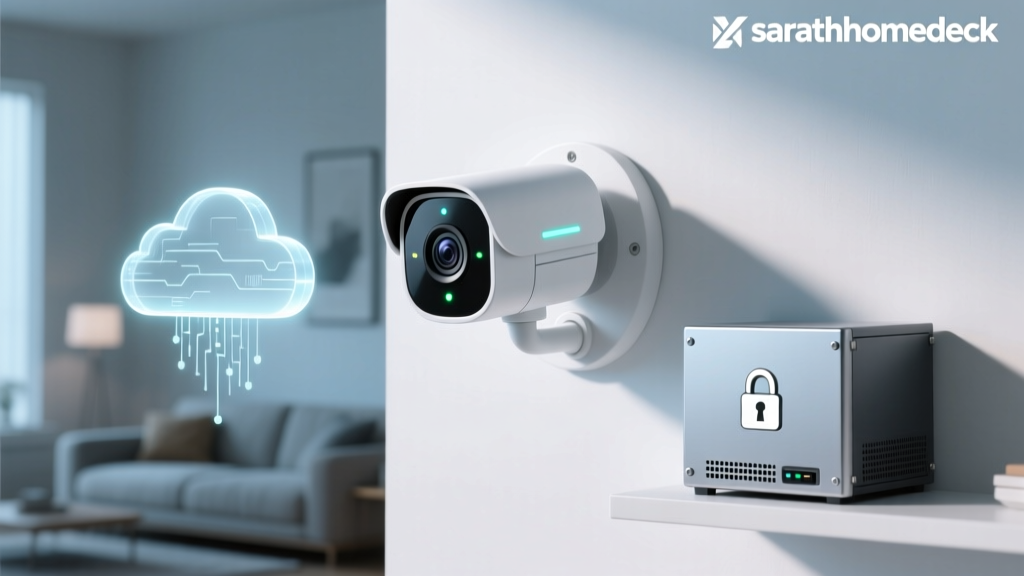
When you mount a smart security camera inside your home, you are inviting a silent observer into your most private spaces. While the primary function of these devices is to protect your household from external threats, the devices themselves often introduce significant internal vulnerabilities. The modern smart home ecosystem is heavily reliant on cloud computing to power advanced features like facial recognition, package detection, and remote access. However, this convenience comes at a steep price: your privacy.
In this comprehensive SmartHomeDeck review, we are shifting our focus from pure image quality to a rigorous Privacy Data & Cloud Dependency Evaluation. We tested three of the most popular indoor security cameras on the market—the Eufy Security Indoor Cam S350, the Google Nest Cam (Wired), and the Wyze Cam v4—to determine how they handle your sensitive data, what happens when your internet connection drops, and whether you truly own the footage captured inside your living room.
Our Privacy Evaluation Methodology
To properly assess these devices, we developed a specialized Deck Score matrix focused entirely on data sovereignty and network security. Our evaluation rests on four critical pillars:
- Local Storage Viability: Can the camera record and store high-resolution footage without sending a single byte to an external server?
- Cloud Independence (Offline Performance):strong> If your WAN (Wide Area Network) connection fails, does the camera continue to record locally, or does it become a useless piece of plastic?
- Encryption Standards: Does the device utilize End-to-End Encryption (E2EE), or is your footage encrypted only in transit and at rest on the manufacturer's servers (meaning they hold the decryption keys)?
- Data Policy Transparency: How clearly does the manufacturer disclose third-party data sharing, AI model training, and law enforcement cooperation?
For broader context on securing IoT devices, we heavily referenced the NIST Special Publication 800-213, which provides foundational guidelines on profiling IoT devices and implementing network segmentation to protect consumer privacy.
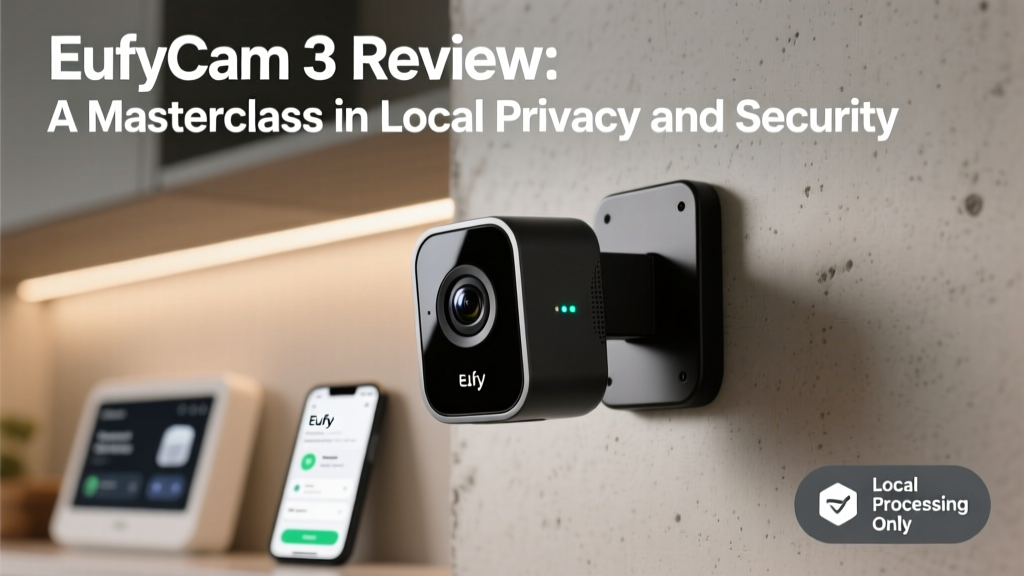
Eufy Security Indoor Cam S350: The Local Processing Champion
Cost: ~$129 (Camera) / ~$149 (HomeBase 3)
Resolution: 4K Dual-Lens (Wide + Telephoto)
Smart Ecosystem: Apple HomeKit Secure Video, Amazon Alexa, Google Assistant
Privacy & Data Handling
Eufy has built its brand on the promise of 'No Monthly Fees' and local storage. The Indoor Cam S350 connects to the Eufy HomeBase 3, which features a built-in 16GB eMMC chip and a 2.5-inch SATA bay capable of holding up to 16TB of local storage. From a privacy perspective, this is a massive advantage. Your footage never has to leave your physical property.
Furthermore, the S350 utilizes Eufy's BionicMind AI, which processes facial recognition and pet detection locally on the HomeBase's neural processing unit (NPU). Unlike competitors that send video snippets to the cloud for analysis, Eufy keeps the biometric data on your local network. When paired with Apple HomeKit Secure Video, the footage is routed through your Apple TV or HomePod hub, utilizing Apple's stringent end-to-end encryption protocols.
Offline Dependency Test
We physically disconnected the HomeBase 3 from the internet. The S350 continued to record 4K footage, trigger local AI alerts, and store data seamlessly. Once the internet was restored, the app synced the local timeline without requiring a cloud subscription.
Pros & Cons
- Pro: True local AI processing eliminates cloud data harvesting.
- Pro: Supports Apple HomeKit Secure Video for E2EE.
- Con: Requires the upfront purchase of the HomeBase 3 for optimal privacy.
- Con: Eufy faced a controversy in 2023 regarding cached thumbnails on their servers, though they have since implemented strict E2EE patches to resolve this.
Google Nest Cam (Wired): The Cloud-Dependent Walled Garden
Cost: ~$99 (Camera) / $6-$12/mo (Nest Aware Subscription)
Resolution: 1080p HDR
Smart Ecosystem: Google Home (Exclusive)
Privacy & Data Handling
The Google Nest Cam represents the opposite end of the privacy spectrum. It is a cloud-first device designed to integrate seamlessly into Google's vast data ecosystem. Out of the box, the Nest Cam offers only 3 hours of complimentary event-based cloud history. To unlock familiar face detection, continuous video recording (CVR), and meaningful timeline scrubbing, you must subscribe to Nest Aware.
Google's security infrastructure is undeniably robust; they employ enterprise-grade encryption for data in transit and at rest. However, security is not the same as privacy. Google holds the encryption keys to your Nest Aware footage. While Google's privacy policy explicitly states they do not use Nest video content to train general AI models without explicit consent, your biometric and spatial data resides on their servers, subject to their internal access policies and legal compliance frameworks.
Offline Dependency Test
When we severed the internet connection to the Nest Cam, the device effectively bricked. It cannot record to a local SD card, it cannot interface with a local NAS, and it cannot store any footage. If your internet goes down while you are away, your home is entirely unmonitored until the connection is restored.
Pros & Cons
- Pro: Best-in-class cloud AI accuracy for person, pet, and vehicle detection.
- Pro: Software privacy shutter physically blocks the lens via an internal mechanical dial.
- Con: 100% reliant on cloud servers; zero local storage options.
- Con: Mandatory subscription costs for any meaningful historical review.
Wyze Cam v4: The Budget Compromise
Cost: ~$35 (Camera) / $2.99/mo (Cam Plus)
Resolution: 2.5K QHD
Smart Ecosystem: Amazon Alexa, Google Assistant, IFTTT
Privacy & Data Handling
The Wyze Cam v4 is an undeniable value leader, offering 2.5K resolution, color night vision, and an IP65 weather rating for under $40. It includes a microSD card slot (supporting up to 256GB), allowing for local continuous recording. However, the privacy execution is murky.
While local storage is available, advanced features like person detection, package alerts, and smoke alarm audio detection are gated behind the Cam Plus cloud subscription. This means the camera must send data to Wyze's servers to perform AI analysis. Furthermore, Wyze has a complicated history with data security. In 2022, a severe authentication bypass vulnerability exposed the cached thumbnail images of thousands of users. While Wyze has significantly overhauled their security architecture since then, privacy advocates remain cautious. As highlighted by Mozilla's Privacy Not Included buyer guides, budget smart home devices often subsidize low hardware costs through data collection and aggressive upselling of cloud services.
Offline Dependency Test
The Wyze Cam v4 successfully recorded continuous footage to the microSD card during an internet outage. However, the app could not access the local SD card playback remotely without an active internet connection to the Wyze servers, and no AI push alerts were generated during the downtime.
Pros & Cons
- Pro: Extremely affordable hardware with a built-in microSD slot.
- Pro: Built-in spotlight and siren deterrence.
- Con: Historical security vulnerabilities reduce long-term trust.
- Con: Core AI features require cloud dependency and a subscription.
Privacy & Cloud Dependency Comparison Matrix
| Feature | Eufy S350 (w/ HomeBase) | Google Nest Cam | Wyze Cam v4 |
|---|---|---|---|
| Local Storage Option | Yes (HomeBase eMMC/SATA) | No | Yes (MicroSD) |
| Offline Recording | Full Functionality | Fails Completely | Records to SD Only |
| AI Processing Location | Local (NPU) | Cloud (Google Servers) | Cloud (Wyze Servers) |
| End-to-End Encryption | Yes (via HomeKit/Updates) | No (Server-Side) | No (Server-Side) |
| Subscription Required for AI | No | Yes (Nest Aware) | Yes (Cam Plus) |
| Deck Privacy Score | 8.5 / 10 | 5.0 / 10 | 6.0 / 10 |
Visualizing the Privacy Deck Scores
The following chart illustrates how each camera performs across our core privacy and dependency metrics, scored on a scale of 1 to 10.
Actionable Advice: Securing Your Indoor Cameras
Regardless of which camera you choose, relying solely on the manufacturer's default security settings is insufficient. The Electronic Frontier Foundation (EFF) strongly recommends taking proactive steps to limit the telemetry and network access of IoT devices. Here is how you can harden your indoor camera setup:
1. Implement Network Segmentation (VLANs)
Never place your security cameras on the same Wi-Fi network as your personal computers, smartphones, or NAS drives. Using a router that supports Virtual Local Area Networks (VLANs)—such as the Ubiquiti UniFi series or TP-Link Omada—create a dedicated 'IoT VLAN'. Configure the firewall rules to allow the cameras to communicate only with their specific cloud servers and your mobile device's IP, while blocking all lateral movement to your primary network.
2. Deploy a DNS Sinkhole
Smart cameras are notorious for sending background telemetry, usage statistics, and ping requests to third-party analytics servers. By setting up a network-wide DNS sinkhole like Pi-hole or AdGuard Home, you can monitor the exact domains your camera is querying. Block known analytics and tracking domains while allowing the core API domains required for video streaming. This drastically reduces the amount of metadata leaving your home.
3. Utilize Physical Privacy Shutters
Software-based privacy modes can be hacked, glitched, or accidentally toggled via voice assistants. Whenever possible, choose cameras with physical privacy shutters that mechanically slide over the lens. If your camera lacks this feature, consider mounting the device in areas where it captures entryways without directly facing private living spaces, or use smart plugs to physically cut power to the camera when you are home.
4. Disable UPnP and Port Forwarding
Never use Universal Plug and Play (UPnP) or manual port forwarding to access your local camera feeds from outside your home. This exposes your camera's IP address directly to the open internet, making it a prime target for botnets and brute-force attacks. Always rely on the manufacturer's secure relay servers or set up a secure WireGuard/OpenVPN tunnel to access your home network remotely.
Final Verdict: Who Owns Your Living Room?
The choice between cloud convenience and local privacy ultimately depends on your threat model and technical willingness to manage a network.
If you prioritize absolute data sovereignty and want a system that functions independently of internet outages, the Eufy Security Indoor Cam S350 paired with the HomeBase 3 is the undisputed winner. The ability to process AI locally and store terabytes of footage on your own hardware provides unparalleled peace of mind.
If you prefer a 'set it and forget it' ecosystem and trust Google's enterprise security infrastructure to protect your data from external hackers (while accepting Google's internal data policies), the Nest Cam offers the most polished, user-friendly experience, provided you are willing to pay the monthly subscription tax.
The Wyze Cam v4 remains the best option for budget-conscious users who are willing to trade some privacy assurances for exceptional hardware value, provided they utilize the local microSD slot and employ strict network segmentation to mitigate telemetry risks.
SmartHomeDeck Takeaway: A camera that relies entirely on the cloud is a camera that belongs to the cloud. For indoor surveillance, where the stakes of a data breach are intimately personal, investing in local storage and local AI processing is not just a technical preference—it is a fundamental privacy requirement.