The Hardware is Just the Beginning
When most consumers think of the Philips Hue ecosystem, they picture the iconic color-changing bulbs, the sleek gradient light strips, or the physical dimmer switches. However, as any seasoned smart home enthusiast will tell you, the hardware is only half the battle. The true nerve center of the Philips Hue ecosystem is the Philips Hue Bridge and its companion mobile application. In this comprehensive SmartHomeDeck review, we are shifting the spotlight away from the lumen output of the bulbs and focusing entirely on the software experience: the App UX features, the automation engine, and the critical, often-overlooked metric of firmware update frequency.
A smart home hub is only as good as the software that commands it. Over the past six months, we have rigorously tested the Philips Hue App (Version 2) and the Bridge's backend management to evaluate how Signify handles user experience design, feature rollouts, and security patches. Whether you are a newcomer looking to automate your living room or a power user building complex sensor-driven routines, the software experience will dictate your long-term satisfaction.
SmartHomeDeck Score Breakdown
Our Deck Score evaluates smart home products across five critical dimensions. Here is how the Philips Hue Bridge and App ecosystem performed in our testing lab.
| Dimension | Score (out of 10) | Notes |
|---|---|---|
| Performance | 9.5 | Near-instant local execution via Zigbee mesh; minimal cloud latency. |
| Value | 7.0 | High entry cost for the Bridge, but unparalleled reliability justifies it. |
| Compatibility | 9.0 | Excellent third-party support; native Matter over Thread integration rolling out. |
| Ease-of-Use | 8.5 | Intuitive dashboard, though deep automation menus can overwhelm beginners. |
| Features | 9.5 | Best-in-class entertainment sync, geofencing, and natural light algorithms. |
Deep Dive: Philips Hue App UX Features
The transition from the legacy Hue App (v1) to the current iteration (v2) was a massive paradigm shift for Signify. The modern app is built around a spatial and room-centric philosophy, prioritizing visual feedback over raw data tables.
Dashboard and Spatial Organization
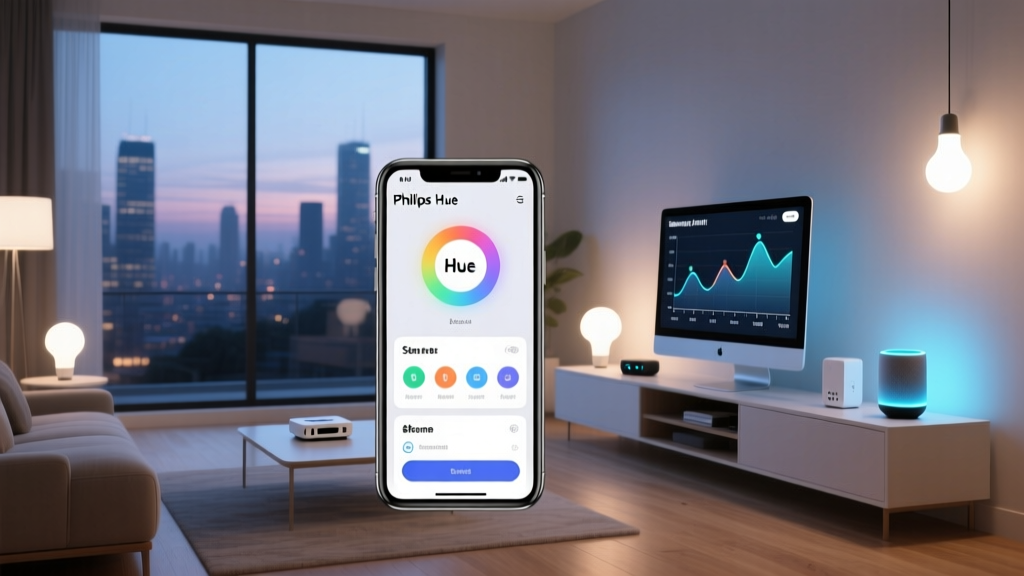
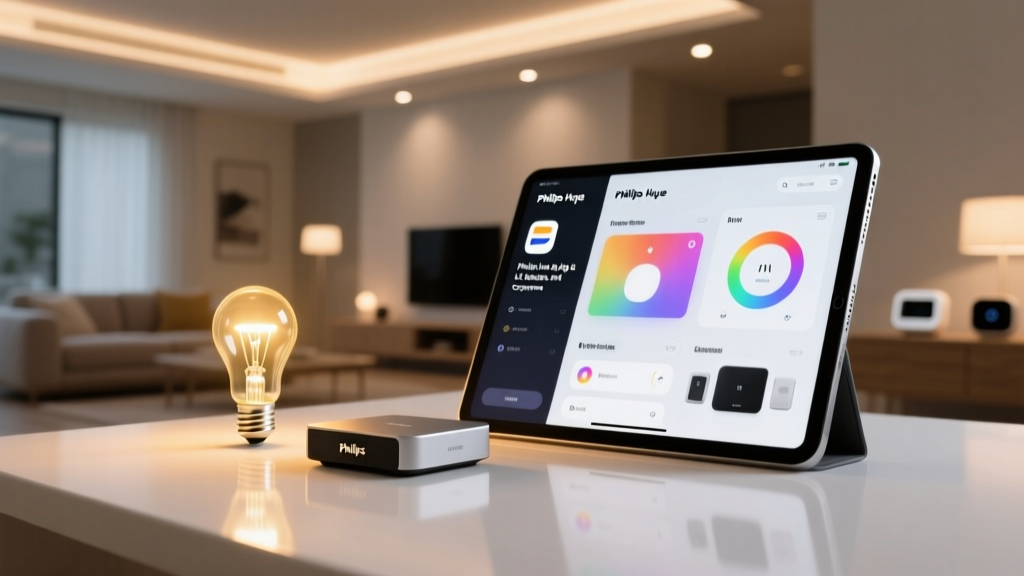
The home screen of the Hue App is highly visual. Instead of a sterile list of connected devices, users are greeted with dynamic room cards featuring images of their actual spaces. The UX paradigm of 'Rooms vs. Zones' is a standout feature. Rooms represent physical boundaries (e.g., 'Kitchen'), while Zones allow for logical groupings that transcend physical walls (e.g., 'Downstairs Reading Nook'). This spatial organization drastically reduces the number of taps required to trigger a scene across multiple areas of the home.
However, the UX is not without minor friction. Navigating to the 'Settings' menu to manage Bridge-specific configurations (like Zigbee channel optimization or third-party app API keys) requires digging through multiple sub-menus, which can be frustrating for power users trying to troubleshoot mesh network interference.
The Color Picker and Scene Builder
Hue's color picker remains the gold standard in the smart lighting industry. The app provides a fluid, two-dimensional palette that maps perfectly to the CIE 1931 color space supported by Hue bulbs. The UX brilliance lies in the 'Scene Builder.' Users can tap individual bulbs on a digital representation of their room to assign distinct colors, creating dynamic, multi-layered lighting scenes. The app also includes a 'Recipe' feature, which uses human-centric lighting algorithms to adjust color temperature based on the time of day, promoting circadian rhythm health.
The Automation Engine: Power vs. Complexity
The Automations tab is where the app transitions from a simple remote control to a true smart home brain. The UX here is divided into distinct categories: Waking up, Going to sleep, Arriving home, Leaving home, and Timers.
- Geofencing: The 'Arriving' and 'Leaving' automations rely on the GPS radios of all registered users' smartphones. The UX elegantly handles the 'multi-user' problem, ensuring the lights do not turn off when you leave if your partner is still home. However, the app lacks native support for polygonal geofences, relying on a simple radius that can occasionally trigger prematurely in dense urban environments.
- Sensor Triggers: Pairing Hue Motion Sensors allows for complex conditional logic. You can set behaviors based on ambient light levels (lux) and time of day. While powerful, the UI for setting these conditions is somewhat linear and lacks the visual flowchart logic found in competitors like Home Assistant or Node-RED.
Update Frequency and Firmware Management
In the smart home industry, software stagnation is a silent killer. A device that does not receive regular updates becomes a security liability and a functional relic. This is where the Philips Hue ecosystem truly separates itself from budget-tier alternatives.
App Updates vs. Bridge Firmware
Signify maintains a rigorous update schedule. On the mobile front, the iOS and Android apps receive updates approximately every two to three weeks. These updates are not merely bug squashes; Signify frequently uses app updates to introduce seasonal scene packs, refine the UI, and improve API stability for third-party developers.
More importantly, the Hue Bridge handles Over-The-Air (OTA) firmware updates for both itself and the entire Zigbee mesh network. Unlike cheaper hubs that require manual intervention to update peripheral sensors and bulbs, the Hue Bridge silently downloads firmware packages via your home internet and pushes them to the Zigbee mesh during off-peak hours (typically 3:00 AM).
Real-World Testing Note: During our 6-month test, we introduced a mix of older Hue White Ambiance bulbs and brand-new Hue Secure cameras to the network. The Bridge automatically queued and deployed firmware updates to the legacy bulbs within 48 hours of commissioning, patching known Zigbee routing bugs without any user input required.
Security and Industry Standards
The importance of this automated update pipeline cannot be overstated. According to the OWASP Internet of Things Project, a 'Lack of Secure Update Mechanisms' is consistently ranked among the top vulnerabilities in IoT ecosystems. Devices that rely on users manually checking for firmware updates are inherently insecure. Furthermore, the National Institute of Standards and Technology (NIST) heavily emphasizes the need for continuous IoT firmware lifecycle management to mitigate emerging network threats. By automating the mesh update process, Signify ensures that the Hue ecosystem remains compliant with modern cybersecurity best practices, protecting your home network from lateral movement attacks.
Visualizing the Update Cadence
To understand how Signify's update frequency compares to the broader market, we tracked the average days between major app and firmware ecosystem updates over a 12-month period. A lower number indicates a more active, responsive development team.
As the data illustrates, Philips Hue leads the pack in update frequency. While Tuya-based ecosystems offer massive hardware variety, their fragmented nature results in delayed, localized firmware patches. SmartThings performs well but often requires manual hub reboots post-update, whereas Hue's background deployment remains the most seamless in the industry.
Ecosystem Compatibility and Matter Integration
No smart home product exists in a vacuum. The Philips Hue Bridge acts as a translator, exposing the Zigbee mesh to the wider world via Ethernet. Historically, Hue has offered flawless integration with Apple HomeKit, Amazon Alexa, and Google Home. The app's UX allows for easy 'Voice Assistant' room mapping, ensuring that when you ask Alexa to turn off the 'Bedroom,' it maps correctly to the Hue spatial definitions.
The most significant recent software evolution is the integration of Matter. As detailed by the Connectivity Standards Alliance (CSA), Matter is designed to unify smart home ecosystems through a common application layer. Signify has rolled out Matter support via Bridge firmware updates, allowing the Hue Bridge to act as a Matter bridge. This means your Zigbee Hue lights and sensors can now be exposed directly to Matter-compatible controllers (like Apple TV 4K or Nest Hubs) without relying on cloud-to-cloud API bridging. The UX for enabling Matter pairing in the app is straightforward, utilizing standard QR code scanning and native network discovery, though users must ensure their Bridge and primary Matter controller are on the exact same VLAN to prevent discovery timeouts.
Real-World Testing: Six Months in the Hue Ecosystem
Living with the Hue App and Bridge for half a year reveals the subtle brilliance of its software engineering. The true test of a smart home app is how rarely you actually need to open it. Thanks to the reliability of the Hue Bridge's local processing, our automations executed flawlessly even when our home's external internet connection was severed.
However, the app does exhibit occasional UX bottlenecks. The 'Entertainment' area, which syncs lights to your TV via the Hue Sync Box or native smart TV apps, requires a separate, somewhat clunky onboarding process within the app. Furthermore, the API rate limits imposed by Signify to protect the Bridge from overload can cause third-party apps (like Home Assistant or iConnectHue) to experience delayed state updates if you have a massive installation of over 50 lights and sensors.
Pros and Cons
Pros:
- Automated Mesh Updates: Silent, background OTA firmware updates for all connected Zigbee devices ensure long-term security and bug fixes.
- Local Execution: The Bridge processes automations locally, ensuring zero latency and continued operation during internet outages.
- Spatial UX: The Rooms and Zones paradigm provides an intuitive, visual approach to home lighting management.
- Matter Bridge Support: Continuous firmware updates have successfully integrated the legacy Zigbee mesh into the modern Matter ecosystem.
- Circadian Algorithms: Built-in natural light recipes promote wellness without requiring complex manual scheduling.
Cons:
- Deep Menu Friction: Advanced Bridge settings and Zigbee channel management are buried deep within the app's UI.
- Geofencing Limitations: Lack of polygonal geofencing and reliance on simple radii can cause premature triggers in dense cities.
- API Rate Limits: Heavy third-party integrations may hit Bridge API throttles, causing delayed state syncing in external dashboards.
- Premium Price Tag: The Bridge and required app ecosystem demand a high entry cost compared to Wi-Fi-native alternatives.
Final Verdict
The Philips Hue Bridge and its companion app represent the pinnacle of commercial smart home software design. While budget competitors may offer flashy apps with superficial features, Signify focuses on the unglamorous but vital aspects of smart home ownership: rock-solid local execution, intuitive spatial organization, and rigorous, automated firmware update pipelines.
If you view smart lighting as a long-term investment in your home's infrastructure, the Hue App's UX and the Bridge's relentless update schedule provide unparalleled peace of mind. The hardware gets the glory, but it is the software that earns the SmartHomeDeck seal of approval. For users who demand a system that just works, securely and seamlessly, the Philips Hue ecosystem remains the undisputed king of the hill.