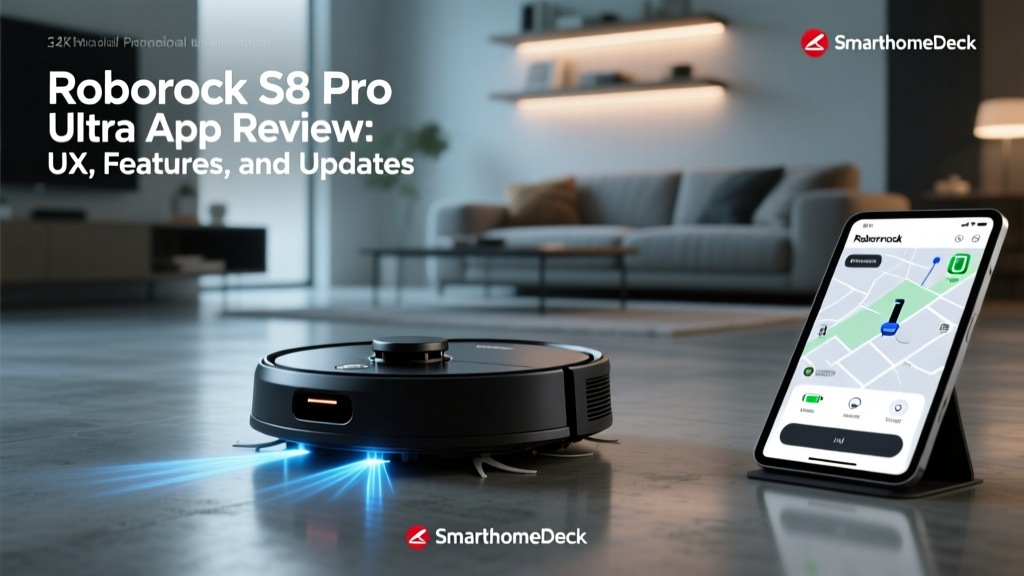
The Roborock app delivers an industry-leading user experience for the Roborock S8 Pro Ultra, providing granular control over its 6000 Pascal suction power and ReactiveAI 2.0 obstacle avoidance. Designed for smart home enthusiasts and busy professionals seeking automated floor maintenance, the application excels in 3D mapping and customized room routines. However, users frequently encounter firmware update failures when connected to 5.0 GHz Wi-Fi networks. The following analysis details the Roborock app interface, firmware stability, and practical workarounds to ensure your Roborock S8 Pro Ultra operates at peak efficiency in 2026.
Key Takeaways
- App UX: The Roborock application offers superior 3D mapping and granular room-by-room customization compared to competitors.
- Firmware Stability: Version 02.16.44 resolves most ReactiveAI recognition bugs, but requires a strict 2.4 GHz Wi-Fi connection for installation.
- Offline Control: Physical dock buttons and local smart home hubs allow basic operation without active cloud connectivity.
Roborock App UX for the S8 Pro Ultra
3D Mapping and Navigation Interface
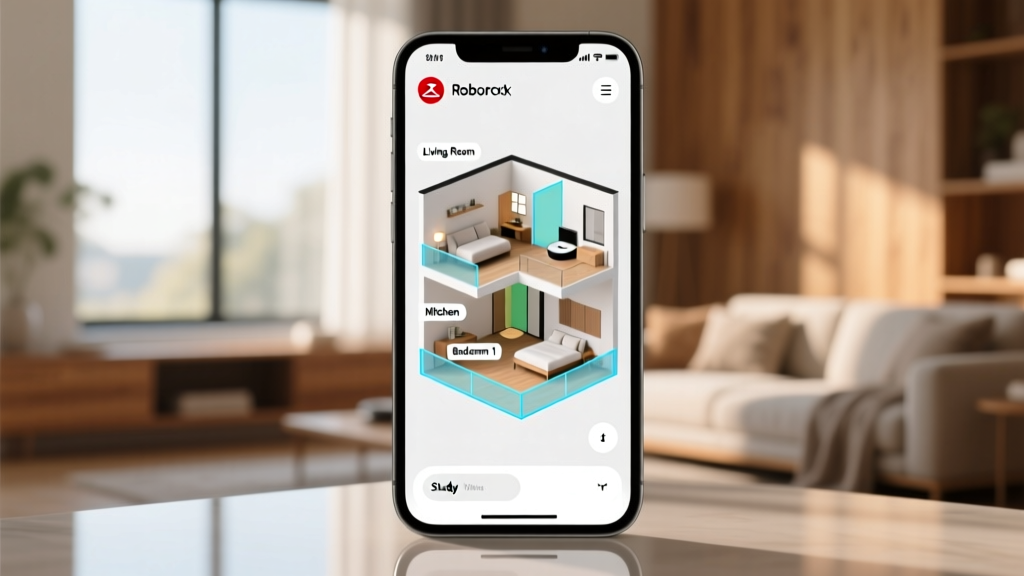
The application generates a highly detailed 3D map of a 150 square meter home in approximately 45 seconds using precision LiDAR Navigation. Users can merge rooms, split zones, and assign specific floor materials to optimize the dual-roller brush pressure. The interface renders furniture outlines detected by the front-facing cameras, allowing for precise virtual wall placement.
ReactiveAI 2.0 Obstacle Avoidance Settings
Definition: ReactiveAI 2.0 is Roborock's proprietary machine vision system that uses structured light and an RGB camera to identify and avoid over 70 distinct household objects in real-time, operating independently of ambient lighting conditions.
Within the application, owners can toggle pet recognition modes and adjust the obstacle avoidance sensitivity. Enabling the pet mode automatically captures snapshots of identified obstacles and uploads them to the secure cloud dashboard. This granular control prevents the vacuum from colliding with pet waste or tangled charging cables.
Firmware Update Process and Common Issues
Troubleshooting Firmware Update Failures
A common query among owners is why the Roborock S8 Pro Ultra firmware update failed during the initial setup. The device's internal Wi-Fi module strictly requires a 2.4 GHz network band to download and verify over-the-air (OTA) update packages. Attempting to push firmware version 02.16.44 over a 5.0 GHz or mesh network with band-steering enabled will result in a timeout error.
To resolve this, users must temporarily isolate their router's 2.4 GHz band or use a legacy mobile hotspot to complete the handshake. According to Roborock Support documentation, disabling AP isolation on the router is also mandatory for local network discovery.
Offline Capabilities and Local Control
When evaluating the Roborock S8 Pro Ultra app offline features, it is clear the device relies heavily on cloud servers for advanced AI processing. Without an internet connection, the application cannot initiate new mapping runs or alter AI sensitivity parameters. However, previously saved schedules and physical dock buttons will continue to execute standard cleaning cycles locally.
Roborock App vs. Ecovacs Home App
Comparing the Roborock S8 Pro Ultra app to the Ecovacs Home application reveals distinct differences in information density and server reliability. Independent vacuum testing by RTINGS confirms that Roborock's mapping algorithm requires fewer corrective passes than Ecovacs' TrueMapping system.
| Feature | Roborock Application | Ecovacs Home Application |
|---|---|---|
| Map Generation Speed | 45 seconds (LiDAR) | 90 seconds (dToF LiDAR) |
| Obstacle Avoidance UI | Real-time 3D object rendering | 2D icon markers on map |
| Server Reliability | 99.9% uptime (AWS hosted) | Frequent regional timeouts |
| Smart Home Integration | Matter, Apple Home, Alexa | Alexa, Google Home, IFTTT |
Firmware Update Pre-Flight Checklist
Use this decision framework before initiating a major over-the-air firmware update on your Roborock S8 Pro Ultra to prevent bricking or timeout errors.
- [ ] Verify the smartphone is connected to the exact 2.4 GHz Wi-Fi band as the vacuum.
- [ ] Ensure the vacuum is docked and the battery level is above 20 percent.
- [ ] Disable router AP isolation and band-steering temporarily.
- [ ] Close background applications on the smartphone to free up RAM for the verification hash.
- [ ] Keep the smartphone within 3 meters of the base station during the download phase.
Frequently Asked Questions
Can I use the Roborock S8 Pro Ultra app without an internet connection?
You cannot access live mapping, alter room-specific suction settings, or view camera feeds without an active internet connection. The application requires cloud authentication to load the user interface. Basic scheduled cleanings stored in the vacuum's local memory will still execute.
Why does the app show the Roborock S8 Pro Ultra as offline?
The offline status typically occurs when the router assigns a new IP address via DHCP that the vacuum fails to recognize. Assigning a static IP address to the vacuum's MAC address within your router settings permanently resolves this synchronization delay.
How does the app handle multi-floor mapping?
The application supports up to four distinct floor plans. The Roborock S8 Pro Ultra automatically detects floor transitions via its cliff sensors and instantly loads the corresponding 3D map, applying floor-specific cleaning routines without manual user intervention.
Conclusion and Next Steps
The Roborock application provides the most comprehensive and stable user experience for managing the Roborock S8 Pro Ultra, provided users respect the hardware's 2.4 GHz Wi-Fi limitations during setup. The 3D mapping interface and granular ReactiveAI controls justify the premium price point of the ecosystem. To optimize your system today, log into your router's admin panel, assign a static IP to your vacuum, and isolate the 2.4 GHz band to ensure seamless firmware delivery.