The Modern Family Hub: Balancing Tech and Toddler Safety
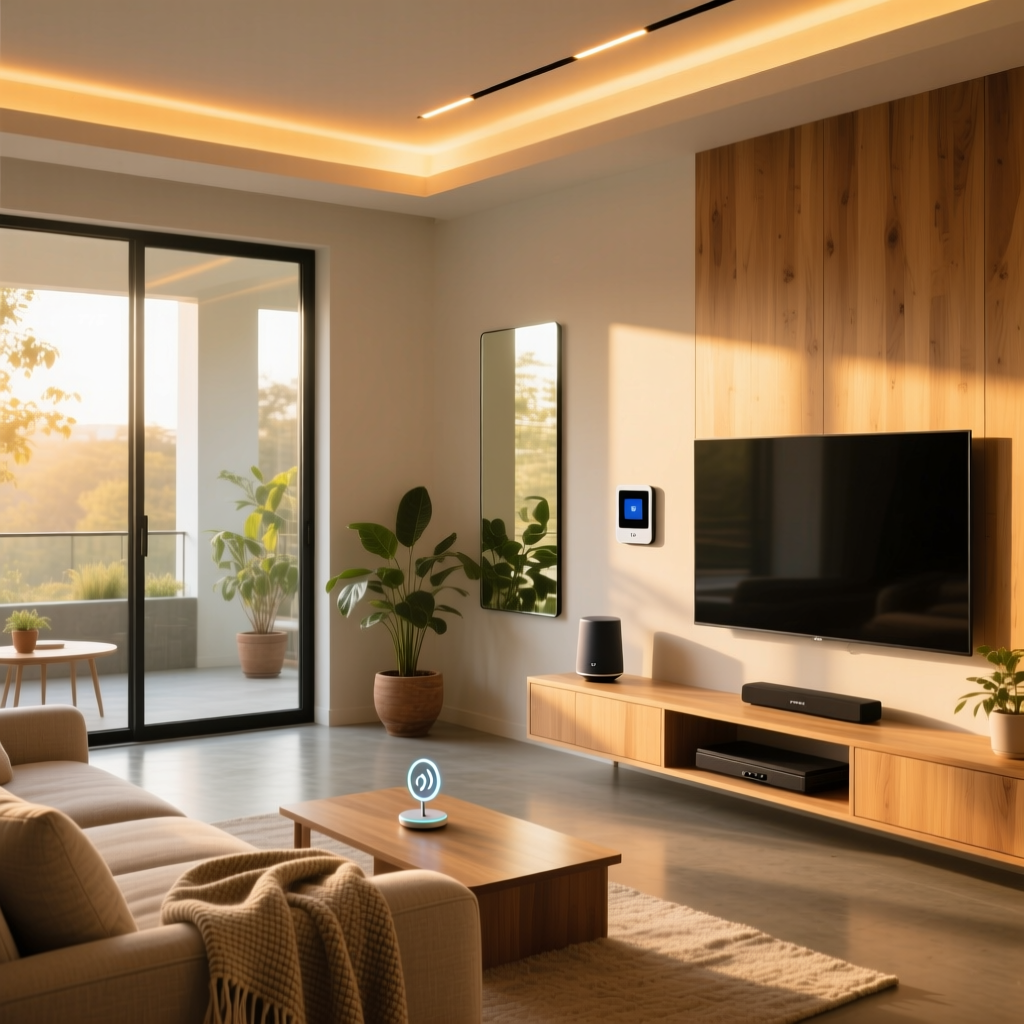
The living room is the undisputed heart of the modern home. It is where families gather for movie nights, where toddlers build sprawling block cities, and where parents decompress after a long day. However, transforming this shared space into a smart home hub introduces unique challenges. Between dangling cords, heavy glass screens, internet-connected cameras, and voice assistants that might accidentally order a hundred pounds of dog food, designing a smart living room that is both highly functional and rigorously kid-safe requires careful planning.
In this comprehensive guide, we break down exactly how to build a family-friendly smart living room. We will cover physical safety, digital privacy, budget-tiered device recommendations, and automation routines that actually support your family's daily rhythm rather than complicating it.
Core Principles of a Kid-Safe Smart Room
Before purchasing a single smart plug or camera, it is crucial to establish the foundational principles of a family-safe environment. These principles fall into two main categories: physical safety and digital privacy.
1. Physical Safety and Device Placement
Smart devices often come with power bricks, delicate glass components, and tempting buttons. According to the Consumer Product Safety Commission's AnchorIt.gov campaign, tip-overs of heavy furniture and televisions are a leading cause of home injuries for children. When mounting smart TVs or placing heavy smart speakers, anchoring is non-negotiable.
- Cord Concealment: Use paintable PVC cable raceways (at least 2 inches wide) to run power and HDMI cables behind the TV. Never leave cords dangling where a toddler can pull them.
- Smart Plug Placement: Use smart plugs for floor lamps and hard-to-reach outlets. This eliminates the need for children (or parents) to reach behind heavy sofas to unplug devices, reducing the risk of electrical shock or furniture tip-overs.
- Choking Hazard Audits: Ensure that any smart home sensors (like door/window contacts or smart buttons) are mounted at least 48 inches off the ground, well out of reach of curious toddlers.
2. Digital Privacy and Data Protection
Children are highly vulnerable to data collection. The Federal Trade Commission enforces the Children's Online Privacy Protection Rule (COPPA), which mandates strict rules regarding the collection of personal data from children under 13. When selecting smart devices for the living room, prioritize hardware that processes data locally or offers physical privacy shutters.
- Camera Privacy: If you use an indoor security camera to monitor the living room while you are in the kitchen, choose models with physical lens covers or hardware kill-switches for the microphone. Avoid cameras that automatically upload clips of your children playing to third-party cloud servers without end-to-end encryption.
- Voice Assistants: Opt for kid-specific editions of smart speakers (like the Amazon Echo Dot Kids). These devices automatically filter explicit content, prevent accidental voice purchases, and limit the type of data retained by the parent company.
Recommended Devices by Budget Tier
Building a smart living room does not require an unlimited budget. Below is a structured breakdown of the best family-safe devices categorized by investment level.
| Budget Tier | Core Devices | Key Family Feature | Estimated Cost |
|---|---|---|---|
| Starter | Kasa Smart Plugs (EP25), Amazon Echo Dot Kids, Wyze Bulbs | Voice-controlled lighting without reaching for switches; kid-safe voice filtering. | $120 - $180 |
| Mid-Range | Eero 6 Mesh Router, Philips Hue Starter Kit, Ring Indoor Cam (Privacy Shutter) | Router-level parental controls; circadian lighting for better toddler sleep routines. | $350 - $550 |
| Pro | Samsung The Frame TV (Flush Mount), Sonos Arc, Ecobee Smart Thermostat | Flush-mount TV prevents tip-overs; room sensors keep play areas at safe temperatures. | $1,800+ |
Visualizing Parent Priorities in Smart Tech
When surveying parents about their smart home integration goals, safety and convenience consistently outrank pure entertainment. The chart below illustrates the priority scores (out of 10) that modern parents assign to different smart home features in shared family spaces.
Mastering Digital Safety: Router-Level Controls
One of the most powerful tools for a kid-safe living room is not a camera or a smart plug, but your Wi-Fi router. Mesh networks like the Eero 6 or Google Nest Wifi Pro offer robust, built-in parental controls that act as the first line of defense for your family's digital wellbeing.
Setting Up Family Profiles
Instead of trying to manage screen time on individual tablets, smart TVs, and gaming consoles separately, group all living room devices into a single 'Kids Profile' via your router's app. This allows you to:
- Pause the Internet: Instantly cut off Wi-Fi to the smart TV and gaming consoles when it is time for dinner or bedtime.
- Block Malicious Content: Enable network-level threat scanning and adult content filtering, ensuring that if a child navigates to a web browser on the living room smart TV, inappropriate sites are blocked before they load.
- Set Hard Limits: Configure the router to automatically disable internet access to entertainment devices after 8:00 PM on school nights, enforcing a healthy wind-down routine without you having to act as the bad guy.
Family-Friendly Automation Routines
Automation should reduce your mental load, not add to it. By linking your smart lights, thermostat, and audio systems, you can create environmental cues that help children transition between activities smoothly.
The 'Playtime Mode' Routine
Trigger: Voice command ('Alexa, start Playtime') or scheduled for 3:30 PM on weekdays. Actions:
- Philips Hue lights set to 100% brightness, cool white (5000K) to promote focus and energy.
- Smart plug turns on the white noise machine or air purifier in the corner.
- Ecobee thermostat adjusts the living room zone to a comfortable 70°F (21°C).
The 'Wind-Down Mode' Routine
Trigger: Voice command ('Alexa, it is bedtime') or scheduled for 7:30 PM. Actions:
- Living room smart TV is powered off via IR blaster or smart plug.
- Overhead lights dim to 20% and shift to a warm amber (2200K), mimicking a sunset to stimulate natural melatonin production in children.
- Router automatically pauses Wi-Fi access to all living room entertainment devices.
- Smart speaker begins playing a curated playlist of soft acoustic lullabies or guided sleep meditations.
Pro Tip: Use motion sensors to trigger 'Nightlight Mode' in the living room and adjoining hallways. If a toddler wakes up and wanders into the living room at 2 AM, a Hue Motion Sensor can trigger a dim, floor-level amber glow, preventing trips and falls without waking the rest of the house with overhead lights.
Design and Aesthetic Considerations
A kid-safe smart living room should not look like a sterile laboratory or a padded cell. You can maintain a beautiful, sophisticated aesthetic while prioritizing safety.
Furniture and Layout
Ditch the sharp-edged glass coffee tables. Opt for rounded, modular ottomans or solid wood tables with beveled edges. Brands like West Elm and Crate & Barrel offer stylish, heavy-duty fabrics that resist stains and can be easily spot-cleaned. For flooring, smart homes with kids benefit immensely from washable rugs (like Ruggable) placed over hard surfaces, allowing you to easily clean up spills while providing a soft landing pad for active play.
Hiding the Tech
The less visible the technology, the less tempting it is for little hands to tamper with. Consider in-wall or in-ceiling smart speakers (like the Sonos Architectural series) to eliminate heavy, tip-prone speaker towers. If you are mounting a TV, use a flush-mount bracket rather than a swivel arm. Swivel arms create a gap behind the TV that curious toddlers will inevitably try to reach into, potentially dislodging the screen or accessing dangerous power cables.
Conclusion
Designing a kid-safe smart living room is an exercise in foresight. By anchoring heavy devices, utilizing router-level parental controls, choosing hardware with physical privacy shutters, and leveraging circadian lighting routines, you can create a space that embraces the magic of modern technology without compromising the safety and wellbeing of your children. The ultimate goal of smart home tech in a family environment is to fade into the background, handling the mundane tasks so you can spend more time on the floor, building block towers and making memories with your kids.