Why a Room-by-Room Strategy Works
Building a smart home is a marathon, not a sprint. The most common mistake new enthusiasts make is purchasing a disparate collection of gadgets without a unifying strategy. This leads to app fatigue, ecosystem fragmentation, and unreliable automations. A structured, room-by-room smart home automation plan ensures that every device serves a distinct purpose, integrates seamlessly with your central hub, and respects your budget. By breaking your home down into functional zones, you can prioritize high-impact areas like the living room and kitchen before expanding into secondary spaces. This comprehensive guide will walk you through a phased, whole-home rollout, complete with specific product recommendations, installation tips, and cross-room automation routines.
Step 0: The Network and Hub Foundation
Before you install a single smart bulb, you must fortify your home network. Smart homes generate a massive amount of localized traffic. Relying on a standard ISP router will inevitably lead to dropped connections and lagging automations.
- Mesh Wi-Fi System: Invest in a Wi-Fi 6 or 6E mesh system like the Eero Pro 6E or TP-Link Deco XE75. These systems provide blanket coverage and dedicated backhaul channels, ensuring your smart TVs and security cameras do not choke the bandwidth needed for your smart switches.
- Central Hub and Protocol: The future of smart home interoperability is Matter, backed by the Connectivity Standards Alliance. Matter allows devices from different brands to communicate locally over your network, reducing cloud reliance. To bridge Matter and Thread devices, you need a robust border router. The Apple TV 4K (Wi-Fi + Ethernet) or the Home Assistant Green hub are exceptional choices for local, low-latency processing.
Pro Tip: Always prioritize local processing over cloud-based control. Local hubs ensure your light switches and motion sensors work even if your internet connection goes down.
The Living Room: Entertainment and Ambiance
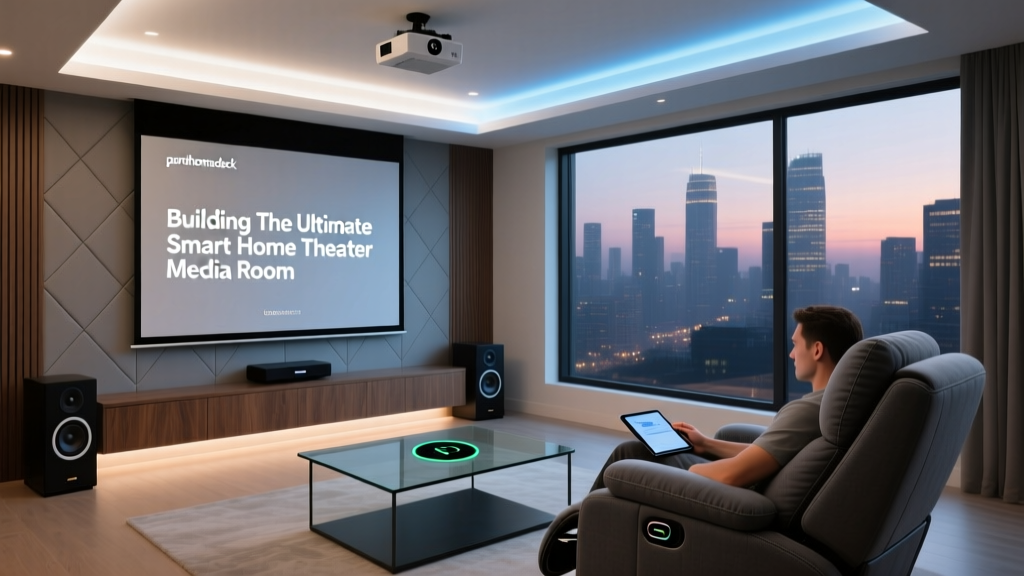
The living room is the showcase of your smart home, requiring a balance of high-end entertainment control and dynamic ambiance.
Lighting and Shading
Ambiance is everything. Ditch smart bulbs for your main overhead fixtures and opt for smart switches to maintain physical control for guests. The Lutron Caseta system is the gold standard for reliability. If your switch boxes lack a neutral wire, Lutron Caseta is one of the few systems that operates flawlessly without one. For accent lighting, use the Philips Hue Gradient Lightstrip behind your media console. Ensure any visible smart bulbs have a Color Rendering Index (CRI) of 90 or higher to accurately render the colors of your furniture and art.
Automated Window Treatments
Smart blinds transform the living room by managing solar heat gain and glare. Lutron Serena wood blinds or SwitchBot Blind Tilt (a budget-friendly retrofit for existing blinds) can be programmed to close automatically when the afternoon sun hits the TV screen, preserving your viewing experience.
Audio and Visual Integration
Integrate a Sonos Arc soundbar with your TV via HDMI eARC. Using the Sonos app or a voice assistant, you can trigger a "Movie Time" routine that dims the Hue lights to 20%, closes the Serena blinds, and turns on the TV and soundbar simultaneously.
The Kitchen: Safety and Command
The kitchen is a high-traffic, high-risk zone. Your automation plan here should focus on safety, leak prevention, and family coordination.
Leak and Appliance Monitoring
Water damage is one of the most costly home repairs. Install a Moen Flo smart water shutoff valve on your main water line. It learns your water usage patterns and will automatically shut off the water if it detects a micro-leak or a catastrophic pipe burst. Under the sink, place a simple Aqara Water Leak Sensor to catch minor drips before they cause mold.
The Smart Command Center
Mount an Amazon Echo Show 15 or Google Nest Hub Max on the wall or above the cabinetry. This acts as the family command center, displaying shared calendars, grocery lists, and recipe timers. Use a smart plug, like the Eve Energy (which supports Matter and Thread), to monitor the energy draw of your espresso machine and turn it off automatically if left on for more than two hours.
The Bedroom: Circadian Rhythms and Comfort
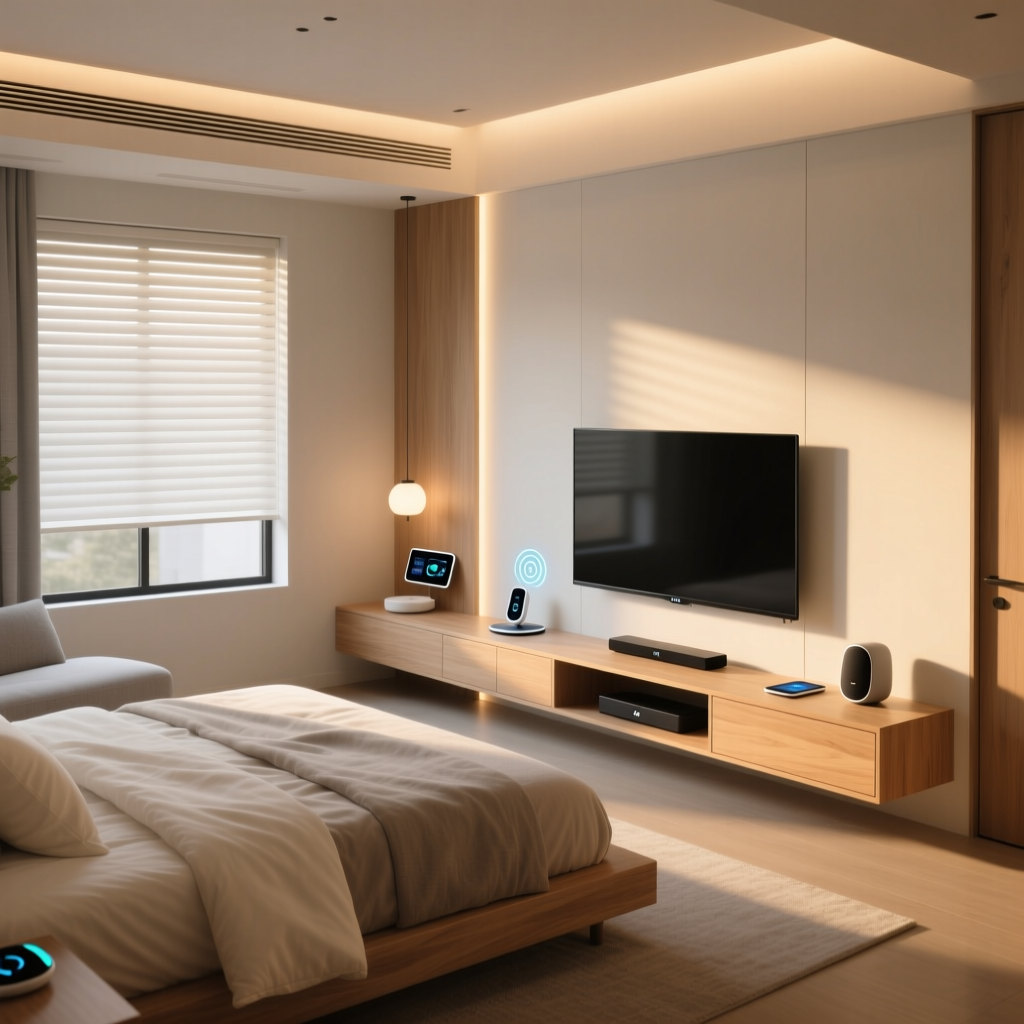
Your bedroom automation should be invisible, focusing entirely on sleep hygiene and passive climate control.
Circadian Lighting
Harsh blue light disrupts melatonin production. Use Philips Hue White Ambiance bulbs in bedside lamps and set them to a circadian rhythm schedule. They should emit a cool, bright light at 7:00 AM to help you wake up, and transition to a warm, dim amber glow by 9:00 PM to signal to your brain that it is time to sleep.
Climate and Occupancy
The Ecobee SmartThermostat Premium is essential here. According to the U.S. Department of Energy, smart thermostats can save homeowners up to 10% to 15% on heating and cooling costs annually. Place an Ecobee SmartSensor in the bedroom to ensure the HVAC system prioritizes the temperature of the room you are actually sleeping in, rather than the empty hallway where the main thermostat is located.
Sleep Tracking Integration
The Withings Sleep Tracking Mat slides under your mattress and connects to your hub via IFTTT or Home Assistant. When it detects you have fallen asleep, it can trigger a "Deep Sleep" routine: locking the front door, arming the security system, and turning off any forgotten lights in the house.
Bathrooms and Outdoors: Efficiency and Security
The Bathroom
Humidity is the enemy of bathroom finishes. Install an Aqara Temperature and Humidity Sensor. If the humidity spikes above 70% during a shower and stays there, your smart home can automatically trigger your bathroom exhaust fan (connected via a smart switch) until the moisture levels return to normal, preventing mold growth.
Outdoor Security and Efficiency
For the exterior, hardwired solutions are vastly superior to battery-operated ones. The Ring Floodlight Cam Wired Pro offers 3D motion detection and bird's-eye view tracking. For landscaping, the Rachio 3 Smart Sprinkler Controller connects to local weather stations to skip watering when rain is in the forecast, saving thousands of gallons of water annually. Finally, ensure your garage and hallways are protected by smart smoke and carbon monoxide detectors like the Google Nest Protect, which send alerts to your phone and are highlighted by the National Fire Protection Association (NFPA) as a critical advancement in residential fire safety.
Budgeting Your Whole-Home Rollout
Smart home costs can spiral quickly if not managed. Below is a breakdown of estimated costs per room based on three different tiers of equipment quality and ecosystem depth.
| Room | Starter Tier (Budget) | Mid Tier (Balanced) | Pro Tier (Premium) |
|---|---|---|---|
| Living Room | $250 | $850 | $3,500+ |
| Kitchen | $100 | $450 | $1,200+ |
| Bedroom | $150 | $600 | $1,500+ |
| Bathroom | $50 | $250 | $2,000+ |
| Outdoor/Garage | $200 | $700 | $2,500+ |
Bar chart showing estimated mid-tier smart home costs by room
Cross-Room Automation Routines
The true magic of a whole-home plan is revealed when rooms communicate with one another. Here are three essential routines to program once your devices are installed:
1. The "Away Mode" Geofence
Trigger: The last person's smartphone leaves the home's geofence radius (1 mile). Actions: The Ecobee thermostat shifts to "Eco" mode. All Philips Hue and Lutron lights turn off. The Moen Flo valve remains on, but sensitivity is heightened. The Ring Alarm system arms to "Away," and the Rachio sprinkler is permitted to run without motion-sensor interruptions.
2. The "Good Morning" Wake-Up
Trigger: 6:30 AM on weekdays, OR when the Withings mat detects you sitting up in bed. Actions: Bedroom Hue lights fade on to 40% brightness at a warm 2700K. The kitchen smart plug turns on the coffee maker. The Echo Show in the kitchen begins reading the daily weather and calendar events. The bathroom exhaust fan runs for 5 minutes to clear stale air.
3. The "Midnight Safety" Path
Trigger: Aqara motion sensor in the hallway detects movement between 11:00 PM and 5:00 AM. Actions: Hallway and bathroom lights turn on to 10% brightness with a deep red/orange hue (to preserve night vision and melatonin). Lights automatically fade off 3 minutes after motion ceases.
Installation Tips and Essential Tools
If you are taking the DIY route for your whole-home automation plan, preparation is key. Hardwired devices like smart switches and thermostats require basic electrical work. Always turn off the breaker before opening a wall plate.
- Non-Contact Voltage Tester: An absolute necessity to verify that the power is truly off before touching any wires.
- Wire Strippers and Needle-Nose Pliers: For cleanly preparing copper wires and wrapping them around terminal screws.
- Multimeter: Useful for identifying the "line" (power source) and "load" (going to the fixture) wires in older homes where wire colors may not be up to modern code.
- Deep Wall Plates: Smart switches often have deeper bodies than standard toggle switches. Having 3/4-inch deep wall plates on hand will save you a trip to the hardware store when your switch doesn't fit in the electrical box.
Design and Aesthetic Considerations
A smart home should feel like a home, not a server room. Aesthetics play a massive role in the acceptance of smart technology by all household members. Avoid the "gadget clutter" look by hiding hubs and routers in ventilated media cabinets. Use paintable wire channels if you must run Ethernet or low-voltage cables along baseboards. When selecting smart switches, stick to one brand and color family across the entire house to maintain visual continuity. Lutron's Maestro or Caseta lines offer clean, minimalist faceplates that blend into any decor. Finally, remember that the best smart home technology is invisible; it should anticipate your needs without requiring you to pull out a smartphone or shout a voice command.