Smart Home Devices: The Complete Guide to Connected Living
Imagine arriving home after a long day. Your front door unlocks as you approach, the lights gently brighten to your preferred evening setting, your favorite playlist starts softly in the background, and the thermostat has already adjusted to your ideal temperature. This isn't science fiction — it's the reality millions of homeowners enjoy every day thanks to smart home devices.
The connected home has evolved from a luxury reserved for tech enthusiasts into an accessible, practical upgrade for virtually any household. Whether you're looking to save energy, boost security, simplify daily routines, or simply add a touch of convenience to your life, smart home devices offer solutions that adapt to your lifestyle. But with hundreds of products, competing platforms, and a dizzying array of acronyms, knowing where to start can feel overwhelming.
This comprehensive guide breaks down everything you need to know about smart home devices — what they are, how they work together, which categories matter most, and how to build a connected ecosystem that grows with you. Whether you're a complete beginner or looking to expand an existing setup, you'll find actionable insights to make smarter decisions for your home.
What Are Smart Home Devices & How Do They Work?
Smart home devices are internet-connected gadgets and appliances that can be controlled remotely, automated based on schedules or triggers, and often learn from your habits to optimize their performance. Unlike traditional devices that require manual operation, smart devices communicate with each other and with you through a network — typically your home Wi-Fi, but also through specialized wireless protocols designed specifically for the connected home.
The Core Components of a Smart Home
Every smart home ecosystem rests on three foundational pillars:
- Devices (Endpoints): These are the physical products you interact with — smart bulbs, cameras, thermostats, locks, speakers, sensors, and more. Each device contains a small processor, wireless connectivity, and software that allows it to receive and execute commands.
- A Hub or Bridge (Coordinator): Many devices need a central point to relay messages, manage automations, and serve as the brain of your system. This might be a dedicated hub, a smart speaker with built-in hub functionality, or a software platform running on your router or a local server.
- A Platform or Ecosystem (Interface): This is the software layer — usually an app on your phone, a voice assistant, or a web dashboard — that lets you control devices, create automations, and monitor your home's status from anywhere.
Wireless Protocols: The Language of Smart Devices
Not all smart devices speak the same language. Understanding wireless protocols is crucial when building a cohesive system:
- Wi-Fi: The most common protocol, ideal for devices that need high bandwidth (cameras, speakers) or direct internet access. However, Wi-Fi devices can strain your router when you have dozens of them connected simultaneously.
- Zigbee: A low-power mesh networking protocol used by many sensors, bulbs, and switches. Zigbee devices relay signals through each other, extending range and improving reliability. They typically require a compatible hub.
- Z-Wave: Similar to Zigbee but operating on a different frequency to avoid interference with Wi-Fi. Z-Wave is popular in home security and automation products and also uses mesh networking.
- Thread: A newer, IP-based mesh protocol designed specifically for smart homes. Thread offers low latency, high reliability, and doesn't require a proprietary hub — it works with border routers built into many modern smart speakers and displays.
- Bluetooth & BLE: Used primarily for proximity-based control and initial device setup. Bluetooth Low Energy is energy-efficient but has limited range compared to mesh protocols.
- Matter: Not a wireless protocol itself but a unifying application layer that works over Wi-Fi, Thread, and Ethernet. Matter enables devices from different brands to work together seamlessly, regardless of the underlying wireless technology. According to the Connectivity Standards Alliance, Matter represents the industry's most significant effort to solve smart home fragmentation.
Understanding these protocols helps you choose devices that will communicate reliably and scale as your smart home grows. For a deeper dive into how these technologies compare, check out our guide on smart home protocols explained.
Essential Categories of Smart Home Devices
The smart home market spans dozens of product categories. Here are the most impactful ones to consider when building or expanding your connected home.
Smart Lighting
Smart lighting is often the gateway into home automation — and for good reason. Smart bulbs, switches, and light strips offer immediate, visible benefits with minimal investment.
- Smart Bulbs: Screw into standard fixtures and offer color-changing capabilities, dimming, scheduling, and voice control. Popular options include Philips Hue (Zigbee-based, hub required) and LIFX (Wi-Fi-based, no hub needed).
- Smart Switches & Dimmers: Replace your wall switches to make any existing light fixture smart. These are ideal for rooms with multiple bulbs or where you want to preserve the use of traditional fixtures.
- Smart Light Strips: Flexible LED strips that mount behind TVs, under cabinets, or along staircases for ambient and accent lighting.
- Smart Plugs: The simplest entry point — plug any lamp or appliance into a smart plug and control it remotely. Many smart plugs also monitor energy consumption.
Smart lighting reduces energy waste by ensuring lights are only on when needed. Motion-sensor-triggered lighting in hallways and bathrooms, scheduled sunset routines, and geofencing (lights that respond to your phone's location) all contribute to meaningful energy savings over time.
Smart Thermostats & Climate Control
Heating and cooling account for roughly half of a typical home's energy consumption, making smart thermostats one of the highest-impact upgrades you can make.
- Learning Thermostats: Devices like the Ecobee and Nest Learning Thermostat observe your schedule and temperature preferences, then automatically optimize heating and cooling cycles. They use occupancy sensors and geofencing to reduce energy use when you're away.
- Smart Vents: These allow room-by-room temperature control by opening and closing airflow to specific zones, reducing the waste of heating or cooling unoccupied rooms.
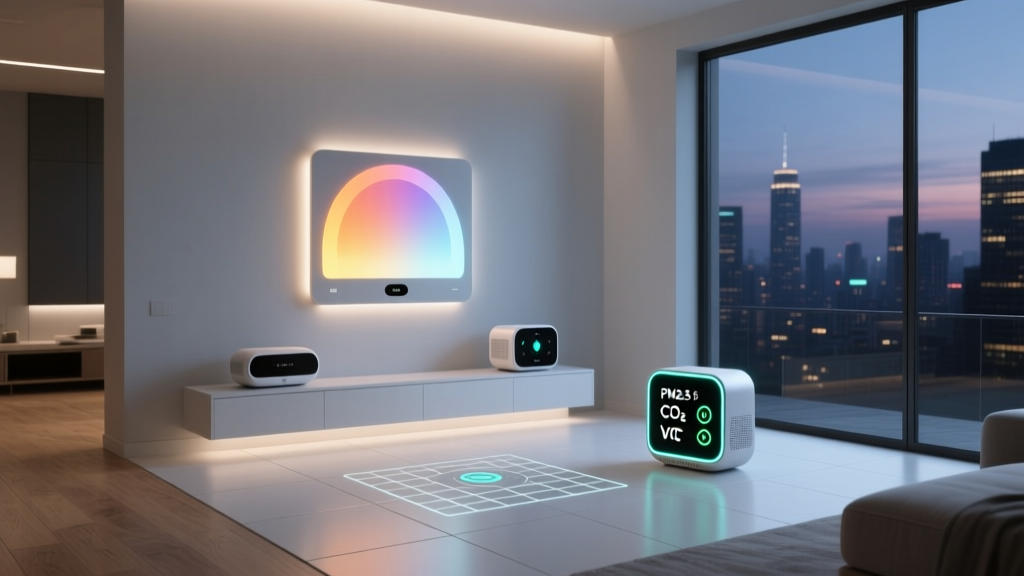
- Smart Air Quality Monitors: Track indoor pollutants, humidity, CO2 levels, and particulate matter, often integrating with your HVAC system to trigger ventilation when air quality drops.
- Smart Ceiling Fans: Automatically adjust speed and direction based on room temperature and occupancy, complementing your thermostat's efficiency.
According to the U.S. Department of Energy, properly programmed thermostats can save homeowners significant amounts on annual heating and cooling costs. Smart thermostats make this effortless by handling the programming for you.
Smart Security & Monitoring
Home security is one of the most compelling reasons people invest in smart home technology. Modern smart security goes far beyond simple alarm systems:
- Smart Doorbells: Video doorbells let you see, hear, and speak to visitors from anywhere via your phone. They also send motion alerts and record clips when activity is detected at your door.
- Smart Cameras: Indoor and outdoor cameras with features like person detection, package alerts, night vision, and local or cloud storage. Many now offer on-device AI processing to distinguish between people, animals, and vehicles.
- Smart Locks: Keyless entry via code, fingerprint, or phone proximity. Smart locks can automatically lock behind you, grant temporary access codes to guests or service workers, and integrate with your broader security system.
- Contact Sensors & Motion Detectors: Small, battery-powered sensors that detect when doors or windows open, when glass breaks, or when movement occurs in a room. These form the backbone of any smart security setup.
- Smart Smoke & CO Detectors: Send alerts to your phone, silence false alarms from your couch, and even tell you which room is affected — a significant upgrade over traditional detectors that simply beep.
- Smart Leak Sensors: Place near water heaters, washing machines, and under sinks. They detect moisture and can trigger automatic water shutoff valves to prevent catastrophic water damage.
Smart Entertainment
Entertainment devices were among the first to go smart, and the category continues to evolve:
- Smart Speakers & Displays: Voice-controlled speakers serve as both entertainment hubs and smart home controllers. Smart displays add a visual interface for video calls, recipes, camera feeds, and more.
- Streaming Devices: Smart TVs, streaming sticks, and set-top boxes that integrate with your voice assistant and can be included in automations (e.g., "Movie Time" dims the lights, lowers the blinds, and turns on the TV).
- Multi-Room Audio: Systems like Sonos allow you to play different music in different rooms or sync audio throughout the house, all controlled from a single app or via voice commands.
- Smart Remotes: Universal remotes that consolidate control of your TV, sound system, streaming devices, lights, and more into a single interface.
Smart Kitchen & Appliances
The connected kitchen is one of the fastest-growing smart home segments:
- Smart Refrigerators: Feature internal cameras so you can check your groceries from the store, touchscreens for family notes and calendars, and integration with meal-planning apps.
- Smart Ovens & Cooktops: Remote preheating, guided cooking with built-in cameras and temperature probes, and automatic shutoff for safety.
- Smart Coffee Makers: Schedule your morning brew, adjust strength and temperature from bed, and receive a notification when your coffee is ready.
- Smart Dishwashers & Laundry: Receive cycle-complete notifications, schedule runs during off-peak energy hours, and get alerts if a problem is detected.
Smart Outdoor & Garden
Your smart home doesn't stop at the front door:
- Smart Irrigation Controllers: Adjust watering schedules based on local weather forecasts, soil moisture, and seasonal changes, reducing water waste significantly compared to traditional timers.
- Smart Outdoor Lighting: Pathway lights, floodlights, and accent lighting that respond to motion, schedules, or sunset times.
- Smart Garage Door Openers: Check your garage status remotely, open or close it from anywhere, and receive alerts if it's left open.
- Smart Pool & Spa Controllers: Manage pump schedules, temperature, and chemical levels from your phone.
For a room-by-room breakdown of which devices make the biggest impact, explore our smart home room guide.
Smart Home Platforms: Choosing Your Ecosystem
One of the most important decisions you'll make is which platform (or platforms) will serve as the foundation for your smart home. Each ecosystem has strengths, and your choice will influence which devices you buy and how seamlessly they work together.
Major Voice Assistant Platforms
- Amazon Alexa: Boasts the largest library of compatible devices and skills. Alexa routines are powerful, and the ecosystem includes a wide range of Echo speakers and displays. Ideal for users who want maximum device compatibility and don't mind Amazon's ecosystem.
- Google Home: Excels at natural language understanding and integrating with Google services (Calendar, Maps, YouTube). Google Nest products offer strong AI features like Nest Aware for intelligent camera alerts. Best for households already invested in Google services.
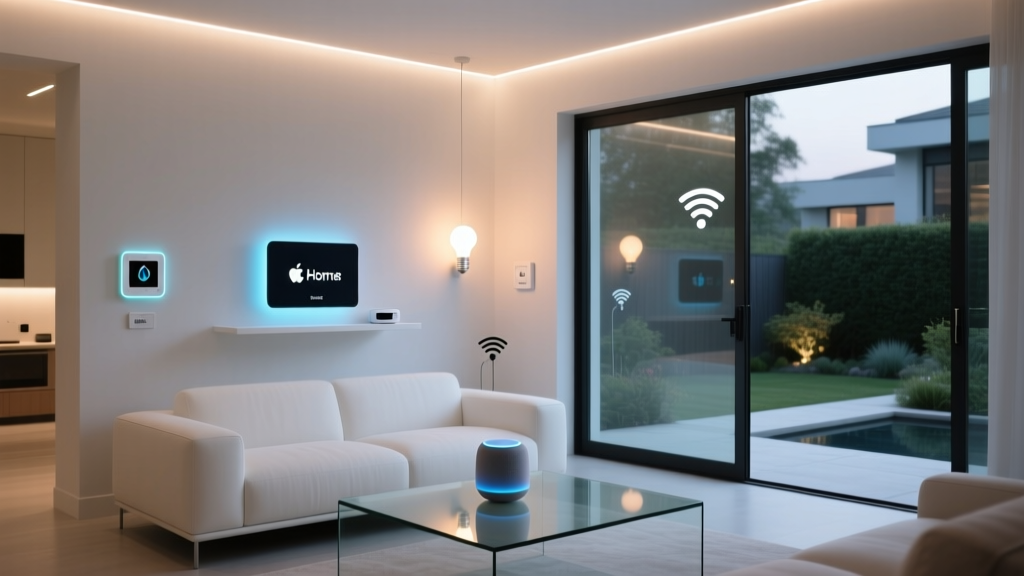
- Apple HomeKit: Prioritizes privacy and security with strict device certification requirements. Integration with Siri, the Apple Watch, and macOS creates a seamless experience for Apple users. The device selection is more curated but growing steadily.
- Samsung SmartThings: A platform-agnostic hub system that supports Zigbee, Z-Wave, Wi-Fi, and Matter. SmartThings works with all three major voice assistants and offers powerful automation capabilities through its app.
The Rise of Matter: A Unified Standard
Matter is transforming the smart home landscape by providing a universal language that works across ecosystems. A Matter-certified device can be added to Apple Home, Google Home, Amazon Alexa, and Samsung SmartThings simultaneously — a concept called multi-admin. This means you're no longer locked into a single platform, and family members with different phone preferences can all control the same devices.
When shopping for new devices, look for the Matter logo. While not every existing product supports Matter yet, the standard is rapidly gaining adoption across all major manufacturers. For a deeper look at what this means for your setup, read our explainer on Matter and the future of smart homes.
Building Your Smart Home: A Strategic Approach
Rather than buying devices at random, a strategic approach ensures your smart home is cohesive, reliable, and scalable. Here's a proven framework for building a connected home that works.
Step 1: Identify Your Priorities
Start by asking what problems you want to solve or what experiences you want to enhance. Common motivations include:
- Energy savings: Focus on smart thermostats, lighting automation, and smart plugs with energy monitoring.
- Security & peace of mind: Prioritize cameras, smart locks, doorbell cameras, and sensors.
- Convenience & comfort: Start with smart speakers, lighting, and climate control.
- Aging in place: Consider fall detection sensors, smart lighting with motion activation, video doorbells, and voice-controlled devices that reduce the need to move around.
- Entertainment: Invest in multi-room audio, smart TV integration, and automated scenes.
Step 2: Choose Your Platform
Select a primary ecosystem based on your priorities, existing devices, and household preferences. Remember that Matter is making cross-platform compatibility easier, but having a primary platform simplifies automation and daily use.
Step 3: Start with a Strong Foundation
Before adding dozens of devices, ensure your network can handle the load:
- Upgrade your router: A mesh Wi-Fi system provides better coverage and can handle more simultaneous connections than a single router.
- Consider a dedicated network: Some advanced users create a separate network (VLAN) for IoT devices to improve security and reduce congestion on their primary network.
- Invest in a hub: If you plan to use Zigbee or Z-Wave devices, a quality hub ensures reliable communication and reduces Wi-Fi dependency.
Step 4: Add Devices Gradually
Resist the urge to automate everything at once. Start with one or two categories, learn how they work, create automations that feel natural, and then expand. This approach prevents overwhelm and helps you identify which devices genuinely improve your life versus those that add complexity without value.
Step 5: Create Automations & Scenes
The true power of smart home devices emerges when they work together. Automations are rules that trigger actions based on conditions:
- Time-based: "Turn on porch lights at sunset every day."
- Location-based: "Set thermostat to Away mode when the last person leaves home."
- Sensor-based: "Turn on hallway lights when motion is detected between 10 PM and 6 AM."
- Device-based: "When the front door unlocks after 8 PM, turn on the entryway light and living room lamp."
- Scene-based: "Good Night" turns off all lights, locks all doors, arms the security system, and sets the thermostat to sleep temperature — all with one command.
Step 6: Prioritize Security & Privacy
Connected devices expand your digital attack surface. Protect your smart home with these best practices:
- Change default passwords on every device immediately after setup.
- Enable two-factor authentication on all smart home accounts.
- Keep device firmware updated — enable automatic updates where available.
- Review app permissions regularly and revoke access you no longer need.
- Research manufacturers' privacy policies before purchasing, especially for devices with cameras and microphones.
- Use local control options (like HomeKit or local hubs) when possible to reduce dependence on cloud services.
For more tips on protecting your connected home, visit our smart home security best practices guide.
The Benefits & Considerations of Smart Home Devices
Understanding both the advantages and the trade-offs helps you make informed decisions and set realistic expectations.
Key Benefits
- Energy Efficiency: Smart thermostats, lighting schedules, and automated shutoffs reduce waste. The ENERGY STAR program certifies smart thermostats that meet strict efficiency criteria, and many utility companies offer rebates for installing them.
- Enhanced Security: Real-time alerts, remote monitoring, and automated responses (like lights that simulate occupancy when you're away) deter intruders and give you visibility into your home from anywhere.
- Accessibility: Voice control and automation are transformative for individuals with mobility challenges, visual impairments, or other disabilities. Smart home technology enables greater independence.
- Convenience: Routine tasks become effortless. Coffee brews before your alarm, lights adjust to the time of day, and the robot vacuum runs while you're at work.
- Property Value: A well-integrated smart home system can increase your home's appeal to buyers, particularly when devices are professionally installed and permanently mounted.
- Peace of Mind: Leak sensors, smoke detectors, and cameras provide alerts that can prevent small problems from becoming disasters.
Important Considerations
- Initial Cost: While prices have dropped significantly, outfitting an entire home with smart devices represents a meaningful investment. Prioritize high-impact categories first.
- Complexity: Troubleshooting connectivity issues or conflicting automations can be frustrating. Start simple and build complexity gradually.
- Internet Dependency: Many devices require an internet connection for full functionality. Consider how your system behaves during outages and invest in devices with local processing capabilities.
- Privacy: Devices with microphones, cameras, and usage tracking collect data about your daily life. Choose reputable brands, read privacy policies, and use hardware mute switches and physical camera covers where available.
- Compatibility: Not all devices work with all platforms. Before purchasing, verify compatibility with your chosen ecosystem — or look for the Matter certification logo.
- Longevity: Technology evolves quickly. Favor devices from established companies with a track record of long-term software support.
Frequently Asked Questions
What is the best smart home device for beginners?
The best starting point depends on your goals, but most beginners find the most immediate value in a combination of a smart speaker (like an Amazon Echo or Google Nest Mini) and a few smart plugs or smart bulbs. Smart speakers serve as a voice-controlled hub for your growing ecosystem, while smart plugs and bulbs deliver instant, visible results with minimal setup. A smart thermostat is another excellent early investment if you own your home, as it pays for itself through energy savings relatively quickly.
Do smart home devices work without internet?
It depends on the device and how it's configured. Many Wi-Fi-dependent devices lose significant functionality without internet — you might lose voice control, remote access, and cloud-based automations. However, devices that use local hubs (like Zigbee or Z-Wave systems) or platforms with local processing (like Apple HomeKit with a HomePod or HomePod mini acting as a hub) can continue to function for basic control and automations even during internet outages. When building your system, prioritize devices with local control capabilities if reliability during outages is important to you.
How many smart devices can my Wi-Fi handle?
Most modern routers can handle between 30 and 50 connected devices, but performance degrades as you approach that limit — especially if many devices are actively transmitting data (like security cameras streaming video). Mesh Wi-Fi systems typically support more devices and distribute the load across multiple nodes. If you plan to have more than 20 to 30 smart devices, consider a mesh system and shift as many devices as possible to dedicated protocols like Zigbee, Z-Wave, or Thread, which don't compete with your Wi-Fi bandwidth.
Are smart home devices secure from hackers?
No connected device is completely immune to security threats, but you can significantly reduce risk by following best practices. Choose devices from reputable manufacturers that provide regular firmware updates. Change default passwords, enable two-factor authentication, keep firmware current, and segment IoT devices on a separate network if your router supports it. Devices certified under the Matter standard are required to meet rigorous security requirements, including encrypted communication and secure over-the-air updates. The greatest vulnerabilities typically come from cheap, no-name devices with poor security practices and abandoned software — so investing in quality brands is itself a security measure.
Can I mix different smart home brands together?
Yes — and it's getting easier every year. Platforms like Amazon Alexa, Google Home, Apple HomeKit, and Samsung SmartThings are designed to integrate devices from hundreds of different brands. The Matter standard further simplifies this by allowing certified devices to work across multiple platforms simultaneously. That said, some advanced features may only be available within a single brand's ecosystem (for example, certain automation features might require all devices to be from the same manufacturer). As a general rule, check for compatibility with your chosen platform before purchasing, and favor Matter-certified devices when possible for maximum flexibility.
How much does it cost to set up a smart home?
The cost varies enormously depending on the scope of your setup. A basic starter kit — a smart speaker, a few smart bulbs, and a smart plug — can be assembled for under $150. A mid-range setup with a smart thermostat, several rooms of smart lighting, a video doorbell, and a couple of smart speakers typically ranges from $500 to $1,500. A comprehensive whole-home system with security cameras, smart locks, automated blinds, multi-room audio, and integrated appliances can range from $3,000 to $15,000 or more. The key is to start small, prioritize high-impact devices, and expand gradually as you learn what adds genuine value to your daily life.
Final Thoughts: Building a Smart Home That Serves You
The most successful smart homes aren't the ones with the most gadgets — they're the ones where technology fades into the background and simply makes life better. A light that turns on automatically when you walk into a dark room. A thermostat that knows when you're on your way home. A doorbell that lets you answer the door from anywhere in the world. These are the moments where smart home technology delivers its greatest value: not through complexity, but through thoughtful simplicity.
Start with the problems you want to solve. Choose reliable devices from brands that invest in long-term support. Build your automations gradually, refining them until they feel natural. And remember that your smart home is a living system — it should evolve as your needs change, growing more intuitive and more helpful over time.
Whether you're adding your first smart bulb or designing a whole-home automation system, the journey toward a smarter home is one of the most rewarding upgrades you can make. Explore our complete learning center for more guides, comparisons, and expert tips to help you build the connected home of your dreams.